The print room brief in Hatfield
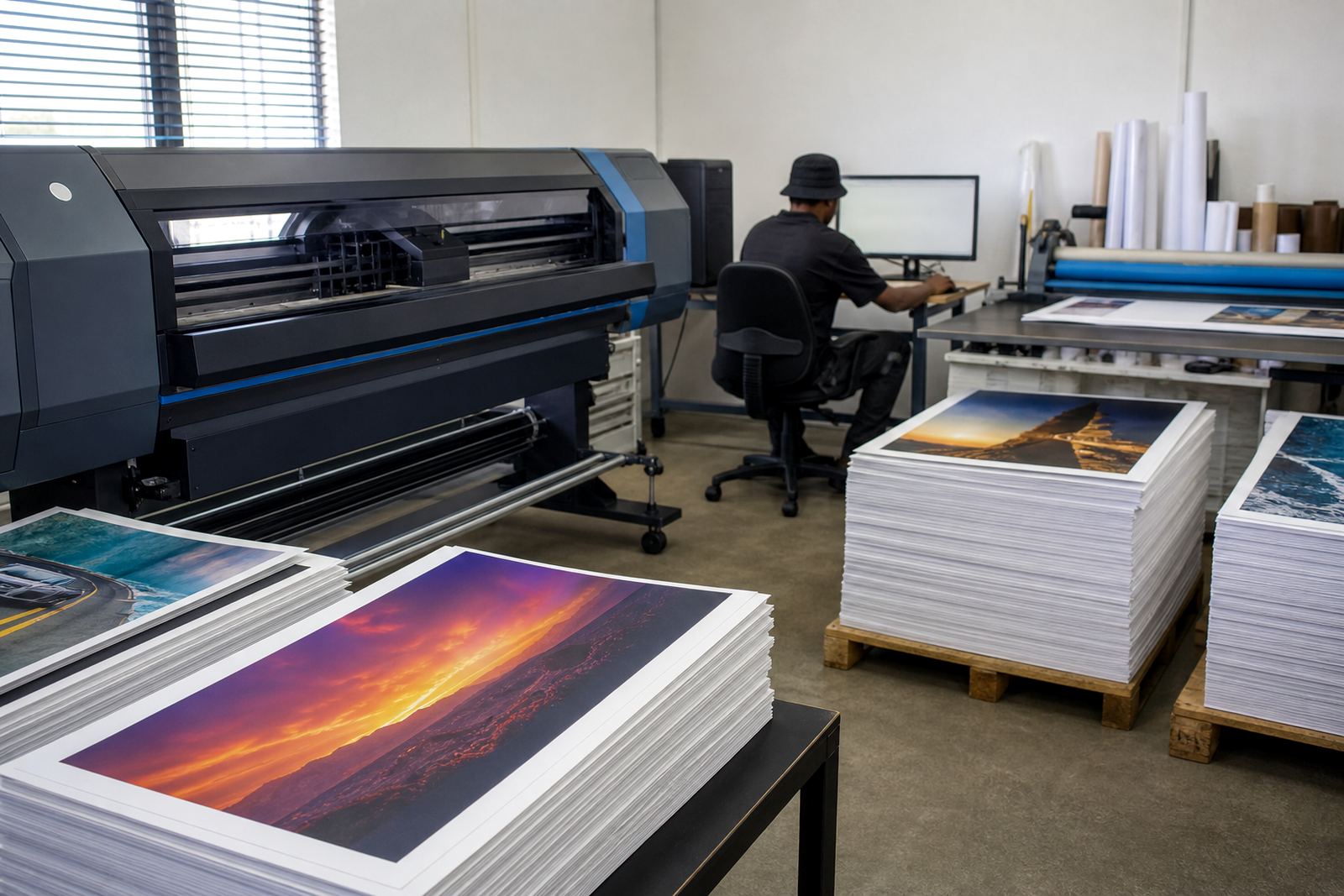
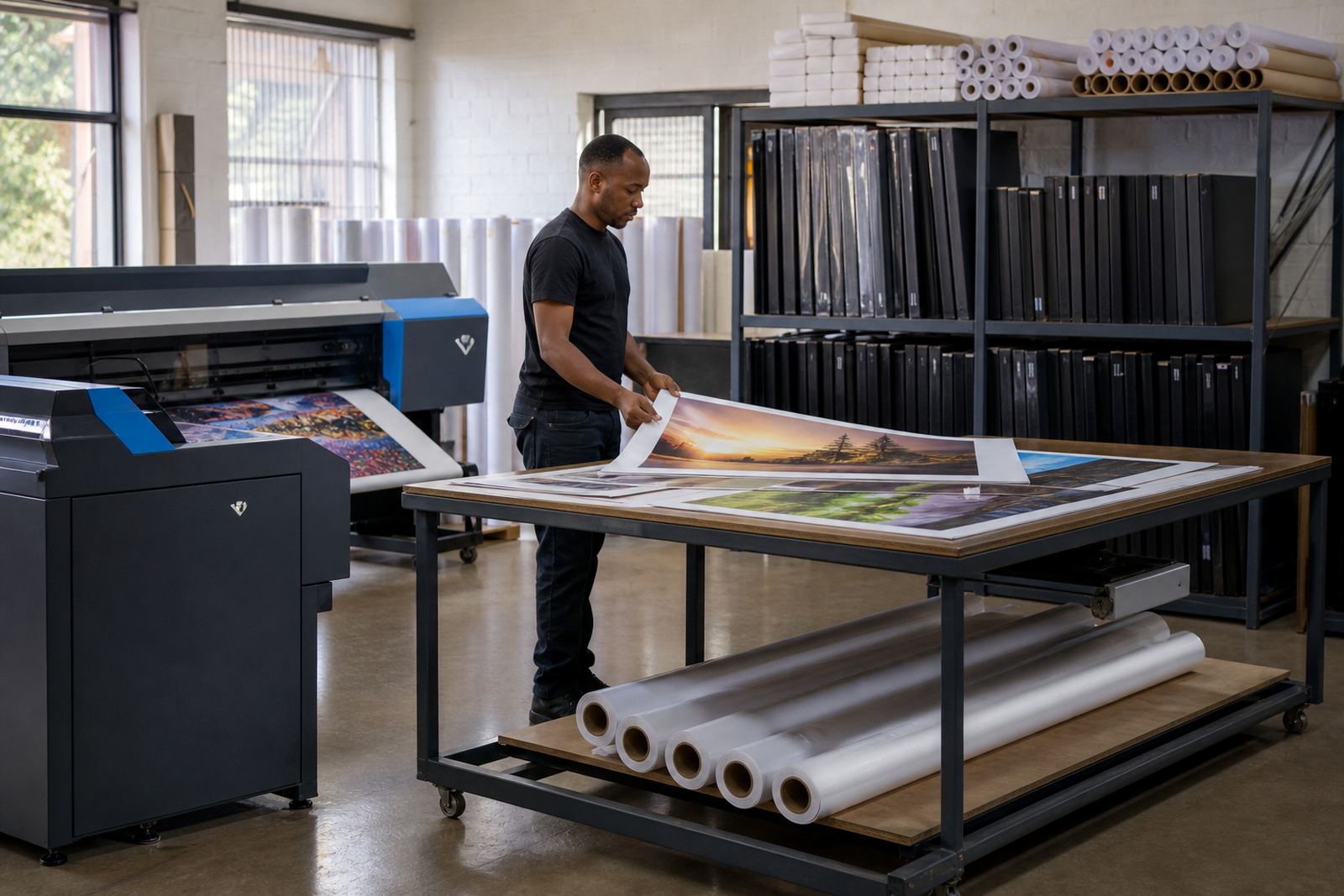
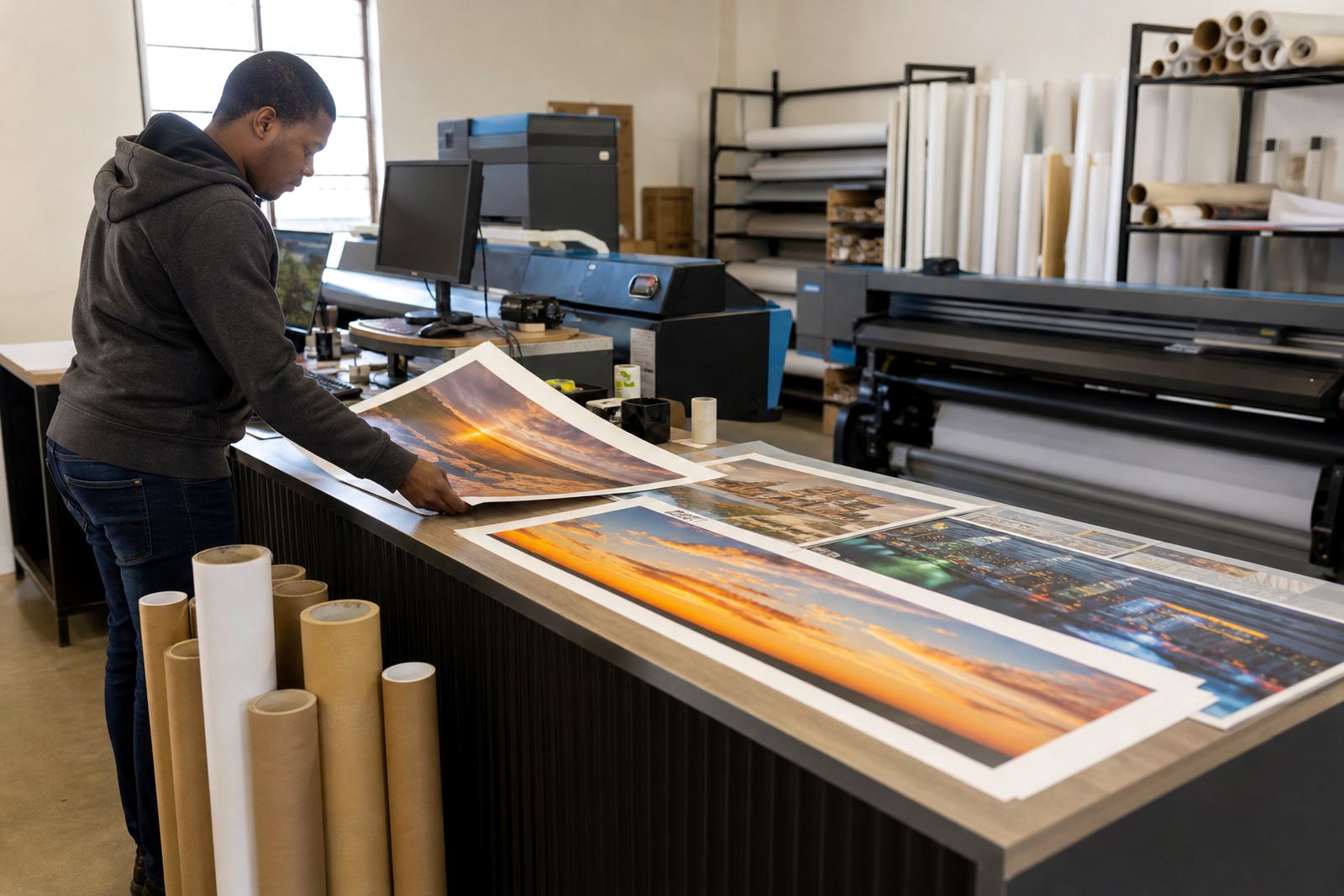
The client was a busy campus-area print room in Hatfield, Pretoria, handling short-run posters, student notices, society banners and event graphics. Most work moved quickly between different sizes, from A3 notices up to wider display prints, and the team needed a setup that kept colour stable while reducing the number of steps at the front end.
The brief was plain enough: set up printer control boards and RIP software that would suit wide-format inkjet production, create a cleaner preset library, and make day-to-day output less dependent on one person knowing every setting by memory. The room also needed sensible queue handling for mixed jobs, because the operators were working with frequent file changes and a steady stream of urgent prints.
Limits on the floor, and what had to be handled
The room was not a large production plant. Space was tight, the operators worked in shifts and the printer had to deal with different media types across the week. The team also wanted fewer misfeeds and less rework on jobs that were being printed for noticeboards, orientation tables and event stands. With student traffic nearby, there was little patience for wasted sheets or a queue full of jobs waiting to be untangled.
We also had to account for the usual issues that show up in a campus print room: changing artwork sizes, mixed image resolution, and new staff members who need a clear path through the software. The setup had to support maintenance without slowing the room down. That meant keeping the interface tidy, building presets that matched common formats, and making sure the board setup was mapped properly for the printer's daily use.
- Wide-format inkjet printer control board setup
- RIP software installation and queue structure
- Colour profile setup for poster and notice work
- Preset paths for common campus sizes
- Remote support for file and operator issues
What we supplied and configured
We supplied the control board setup, RIP software configuration and colour workflow setup for the printer, then built a practical job structure around the room's most common output. That included printhead driver setup, queue workflow design, nesting for smaller items and maintenance settings that helped the operators keep an eye on nozzle checks, purging and general print health.
The colour side was handled with profiles tuned for poster stock and common notice media, with a strong focus on keeping reds, blues and blacks consistent across repeat runs. We also created presets for standard campus work, which reduced the number of choices an operator needed to make before sending a file. In a room like this, a cleaner preset list saves time and cuts down on mistakes during busy periods.
- RIP installation with preset groups for posters, notices and event graphics
- Board installation and printer communication checks
- Printhead driver setup and device mapping
- Colour profile setup for repeatable output
- Backup and recovery structure for job settings
How the job moved over three weeks
Week one covered discovery, board checking and the first software build. We reviewed the printer's current setup, looked at the way jobs were entering the room and identified where time was being lost. Week two was used for the RIP build, queue design and colour profiling. That stage included test prints across several media types so the operator team could see how the presets behaved in real use, not just on screen.
By week three, the training and fine-tuning were under way. We walked the team through operator routines, maintenance checks and the basic recovery steps if a queue stalled or a file needed to be corrected. A few small tweaks were made after the first live output, mostly around nesting behaviour and preset naming, so the operators could move faster without second-guessing the menu path.
What changed after the setup
The biggest change was consistency. Posters that used to drift in colour from one run to the next were easier to hold in line, and common jobs could be loaded through saved presets instead of being rebuilt each time. The room also gained a tidier queue, which helped when several students or staff members were asking for different files at the same time.
There was less manual correction on the floor and fewer stoppages caused by settings being changed in the wrong place. The operators could see the flow of jobs more clearly, and the maintenance prompts made it easier to keep the printer in a steady state. For a campus environment, that mattered more than flashy extras, because the work has to stay useful under pressure.
- Cleaner repeat output on posters and notices
- Less time spent rebuilding common settings
- More orderly queue handling during busy periods
- Better operator confidence on routine jobs
What we would do on a similar room
On a similar campus print room, we would keep the same order of work: board check first, then RIP build, then colour and operator training. That sequence keeps the printer stable before the creative parts are adjusted. It also helps when the room has several people handling the machine, because the workflow is shaped around what operators actually do during a normal day.
We would also keep the preset library short and practical. Too many options slow people down and make it easier to pick the wrong path. A smaller set of named presets for posters, notices, event graphics and recovery work tends to hold up better in a student environment, especially where quick turnarounds and changing file types are part of the week.
Key facts
| Project | Hatfield Campus Prints |
|---|---|
| Town | Hatfield, Pretoria |
| Sector | Student-area print room |
| Systems supplied | RIP software, control board setup, printhead driver setup |
| Workflow | Queue design, nesting, colour profiles, backup and recovery |
| Timeline | 3 weeks |