A poster shop in Centurion with a busy daily mix
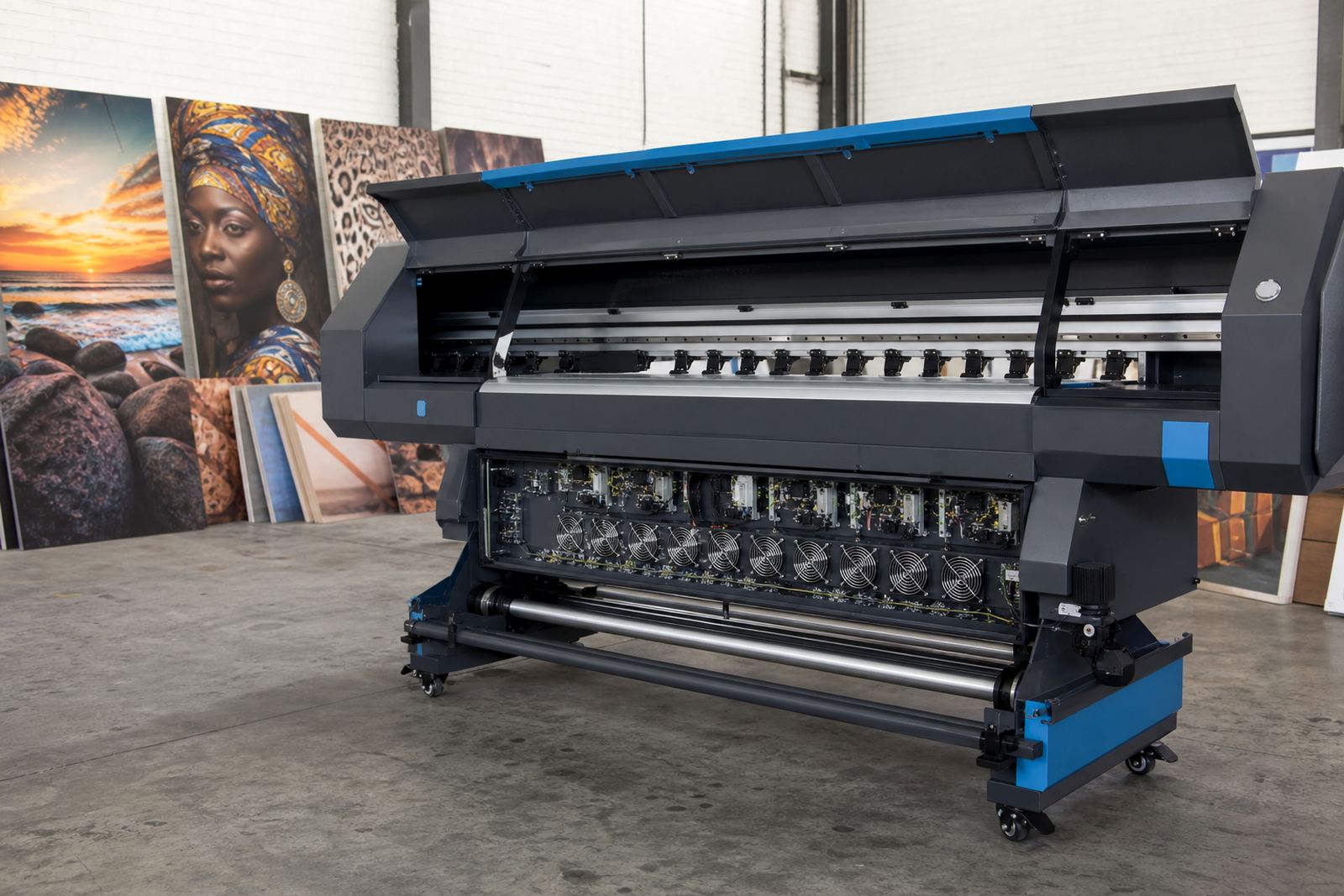
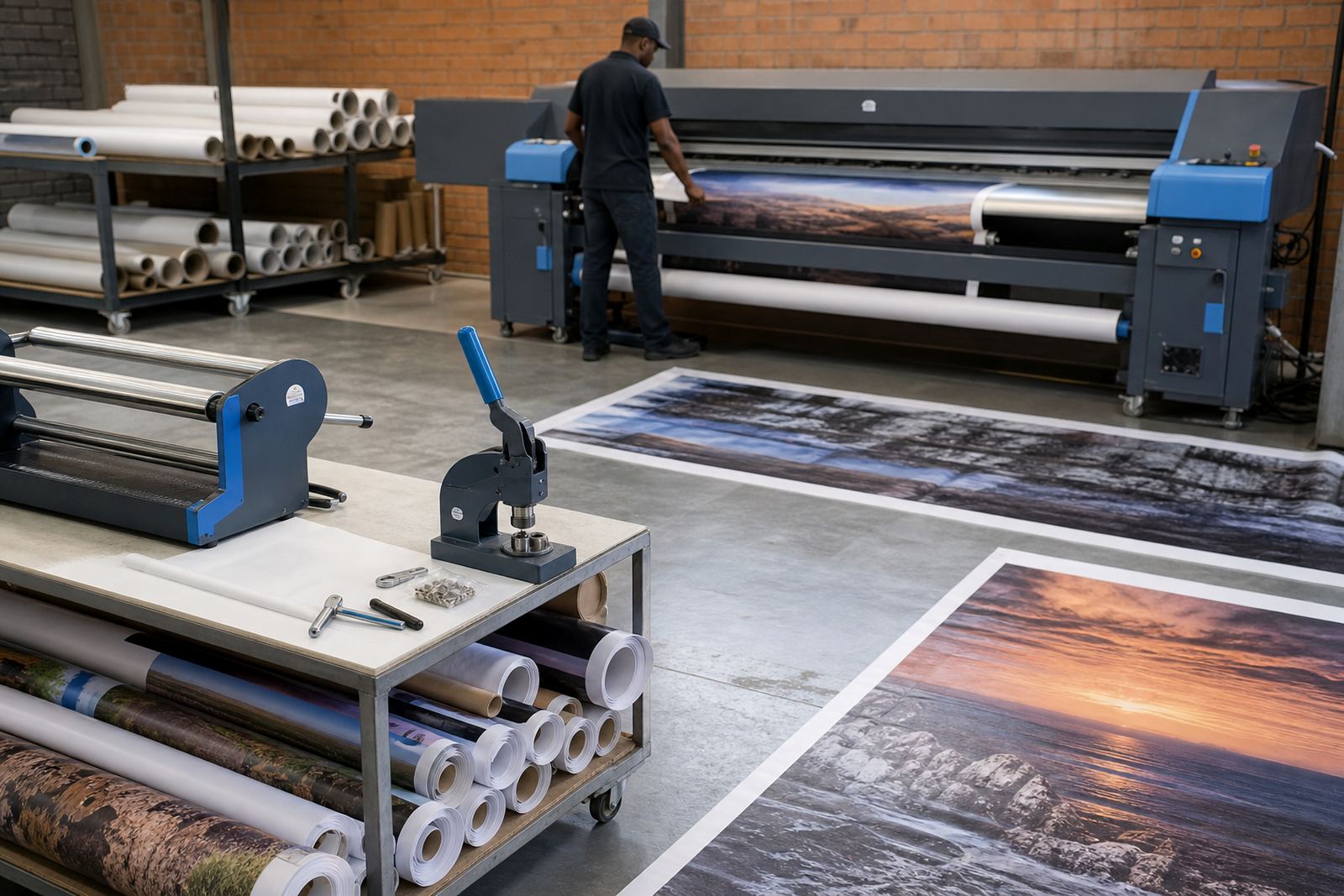
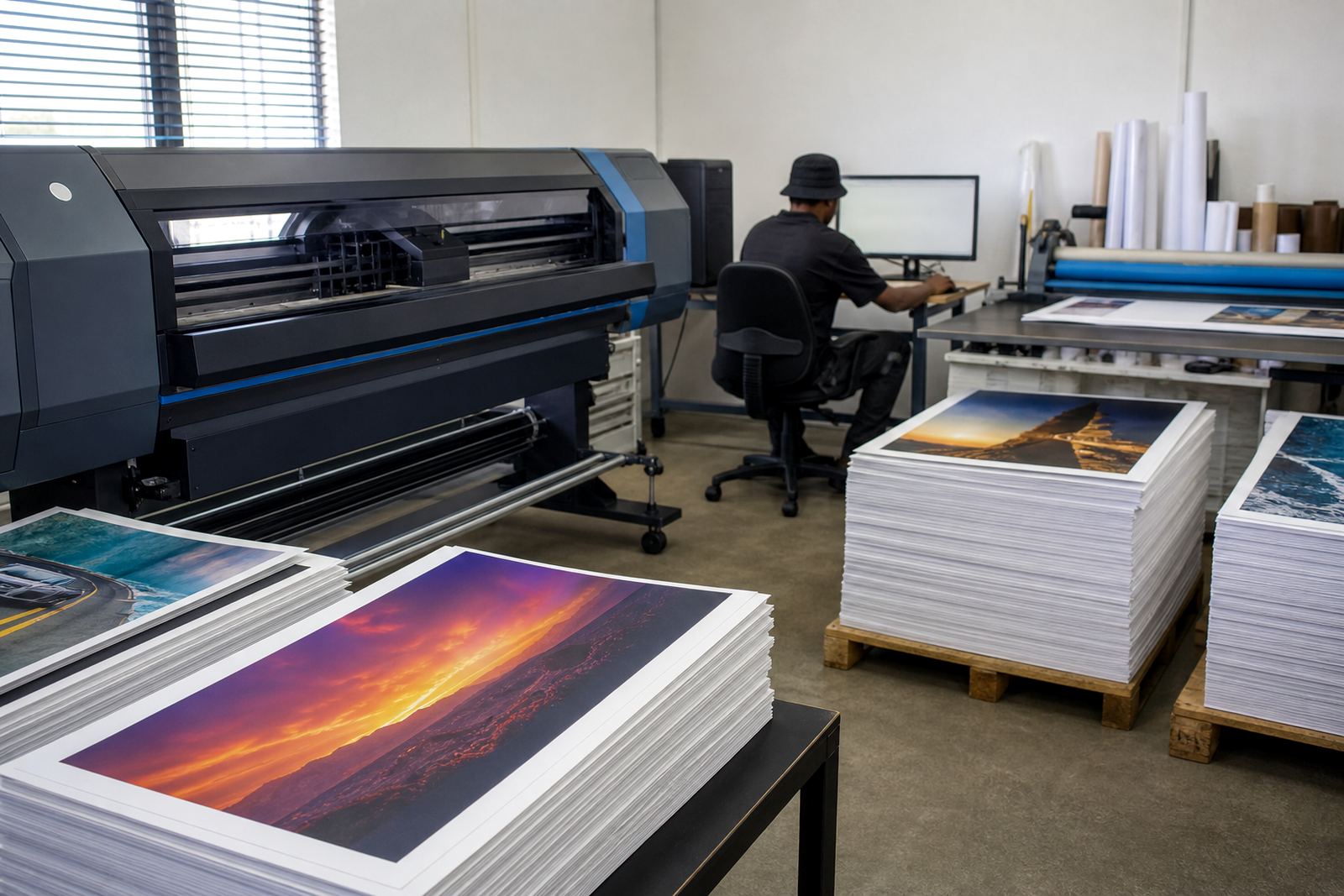
The client was a poster-focused print shop in Centurion handling short promotional runs, reprints, seasonal graphics and artwork that changed shape from one job to the next. The machine was a wide-format inkjet printer used for posters, display boards and retail graphics, with operators needing clean file handling and predictable output on coated media.
The brief was plain enough on paper. Reduce clutter in the queue, group repeat work in a clearer order, and make it easier to find the right settings when a job came back after a few days or a few weeks. The shop also needed colour control that suited poster work, where a small shift in skin tones, reds or dark greys can be obvious on the wall.
What was getting in the way on the print floor
The main problem was not the printer alone, it was the way jobs were passing through the front end. Repeat artwork was being loaded with too much manual checking, the queue was getting messy, and operators were spending extra time confirming media size, copy counts and profile choice before each run. That added friction on a line that should move steadily.
There were also practical limits around the existing setup. The shop needed remote support because the team could not lose a full day to trial and error, and they wanted a structure that would work for staff members with different levels of experience. In a poster environment, the handover between design, RIP station and printer must stay clear or work starts to drift.
- Queue grouping for related poster runs
- Faster recall of repeat job settings
- Cleaner colour profile selection for coated stock
- Better handover between design files and production
How we set up the RIP and board side
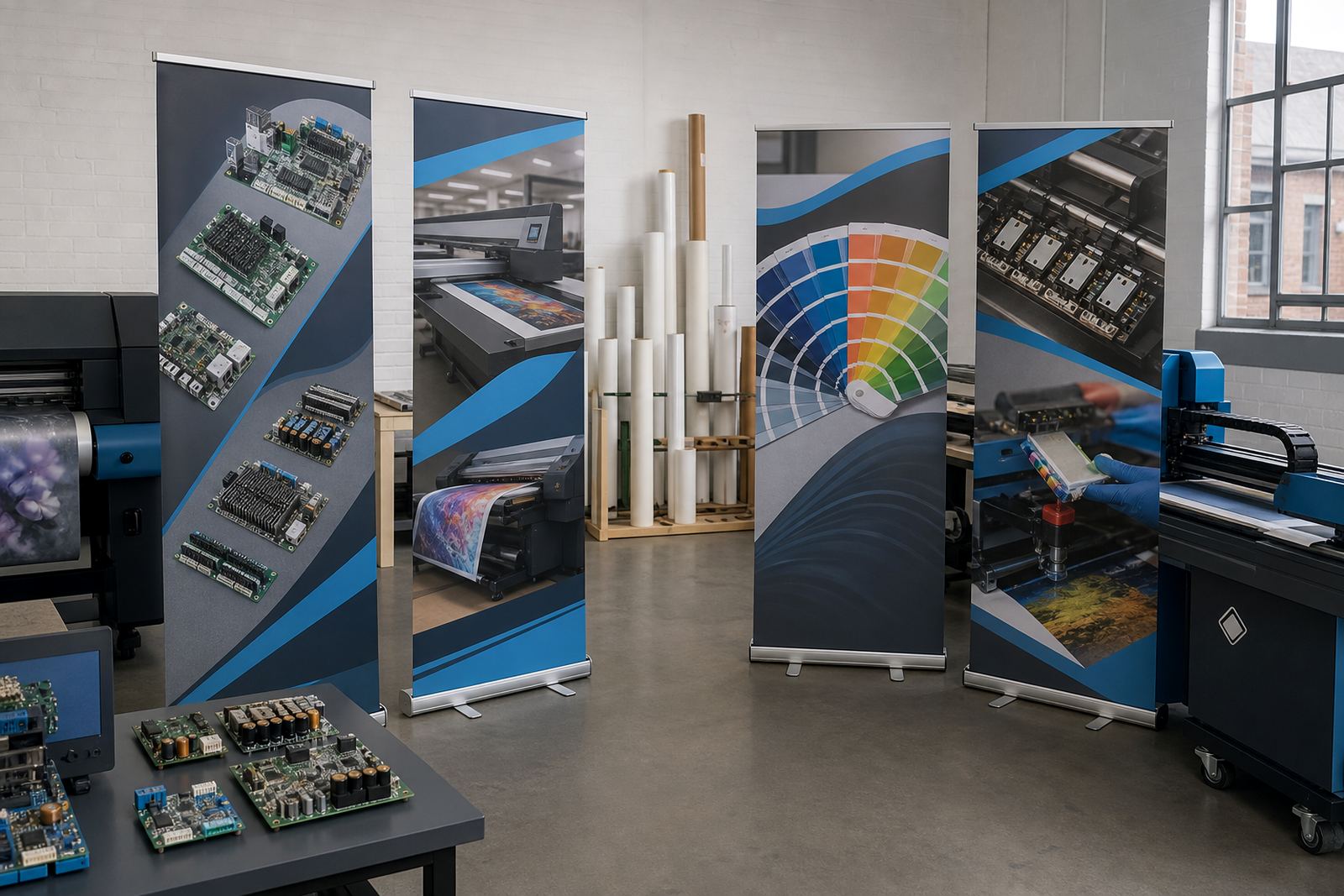
We supplied and configured the RIP software for wide-format inkjet production, then matched the control board and printhead driver settings to the printer’s working range. The setup was built around poster output, so the queue logic, job naming and saved presets matched the way the shop actually printed rather than a generic office style workflow.
On the colour side, Zanele Moagi handled profile setup and output checks, while Johan Letsoalo worked through the RIP behaviour and queue structure. The printhead driver settings were tuned for stable ink delivery on the media types the shop used most often, including coated poster stock and display paper. Where the operator had been making small manual changes on each job, we shifted those steps into repeatable presets.
We also checked the board installation path and basic fault points so the printer control side was less likely to interrupt production. If a queue stalls or the board is not behaving properly, the operator can lose confidence in the whole workflow. For that reason, we kept the setup tidy, labelled and easy to trace.
- RIP installation and queue layout
- Printhead driver setup for stable output
- Colour profile setup for poster stock
- Board installation and fault finding
A three week rollout with room for checks
The work ran over three weeks. The first week covered remote assessment, job structure and the existing profile set. The second week was used for installation, preset building and operator walk-throughs. The third week focused on fine tuning, including repeat job recall, test output and maintenance notes for the team.
Bianca Rademeyer handled operator training so the staff could follow the new queue structure without slowing down the floor. That training covered file naming, job grouping, media selection and the steps needed to load a repeat poster job with the same settings. Aiden Phiri stayed on the remote support side for follow-up checks, which mattered because the shop had live production running during the changeover.
Midrand was the base for the project support, with remote coverage reaching the Centurion site and other print shops across Gauteng and further afield. The work was carried out without asking the client to stop production for long periods, which suited a poster business that has to keep moving through the week.
What changed after the queue was cleaned up
The most visible change was in how the shop handled repeat work. Jobs that had been dragged back through the RIP with manual corrections were now being recalled in a more organised way. That reduced confusion at the operator station and made the output path easier to follow when the same poster artwork returned in a slightly different size or quantity.
Colour control also settled down. The client had a more dependable profile set for the kinds of poster runs they do most often, and the team had a clearer process for switching between media types. The print shop could keep production moving without rechecking every small detail from scratch.
- Cleaner queue grouping for similar jobs
- Faster repeat job recall
- Less manual checking before each run
- More consistent poster colour across reprints
What to repeat on a similar poster job
On a similar Centurion poster site, we would keep the same order of work: assess the queue first, then set the colour path, then train the operators on the saved workflow. That sequence makes sense where the real pressure comes from moving artwork through production, not from the printer sitting idle.
We would also keep preventive maintenance in the plan from the start. On wide-format inkjet equipment, especially where the shop runs steady volume, small checks on printhead behaviour, board stability and profile handling help prevent avoidable interruptions. Kagiso Pienaar usually handles the board repair side when deeper faults need attention, while Lerato Khoza keeps the project structure organised on the operations side.
For shops in Centurion, Johannesburg, Pretoria, Durban, Cape Town, Bloemfontein and the East and West Rand, the same method works best when the workflow is shaped around the actual print mix. Posters, reprints and short runs all benefit from a setup that is easy to read under pressure, not one that looks neat only on paper.
Key facts
| Project location | Centurion, Gauteng |
|---|---|
| Client type | Poster-focused print shop |
| Printer class | Wide-format inkjet printer |
| Core scope | RIP installation, queue grouping, colour profiles, printhead driver setup |
| Timeline | 3 weeks |
| Main outcome | Faster repeat job recall and cleaner production flow |