The Pinetown production room and the brief on the table
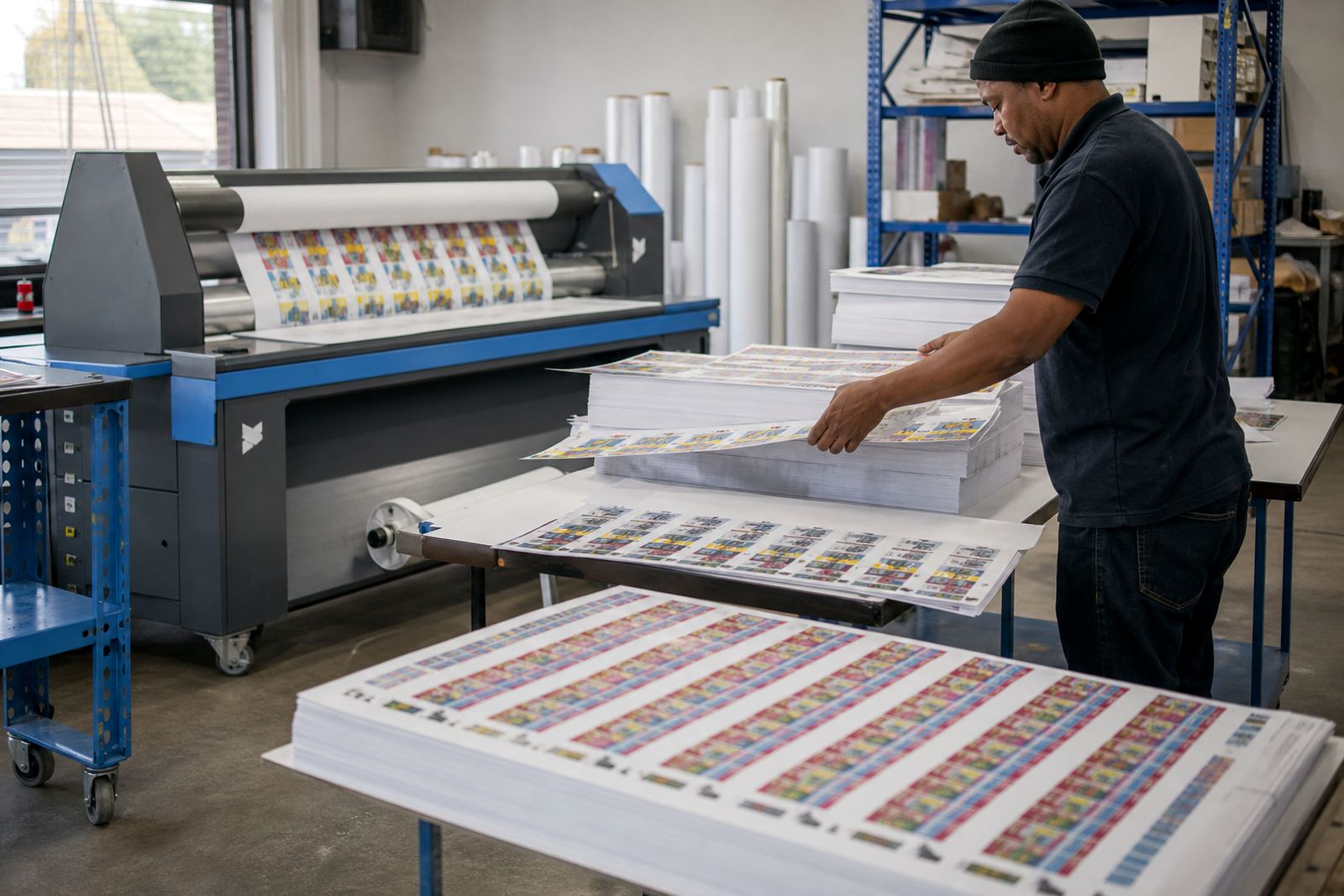
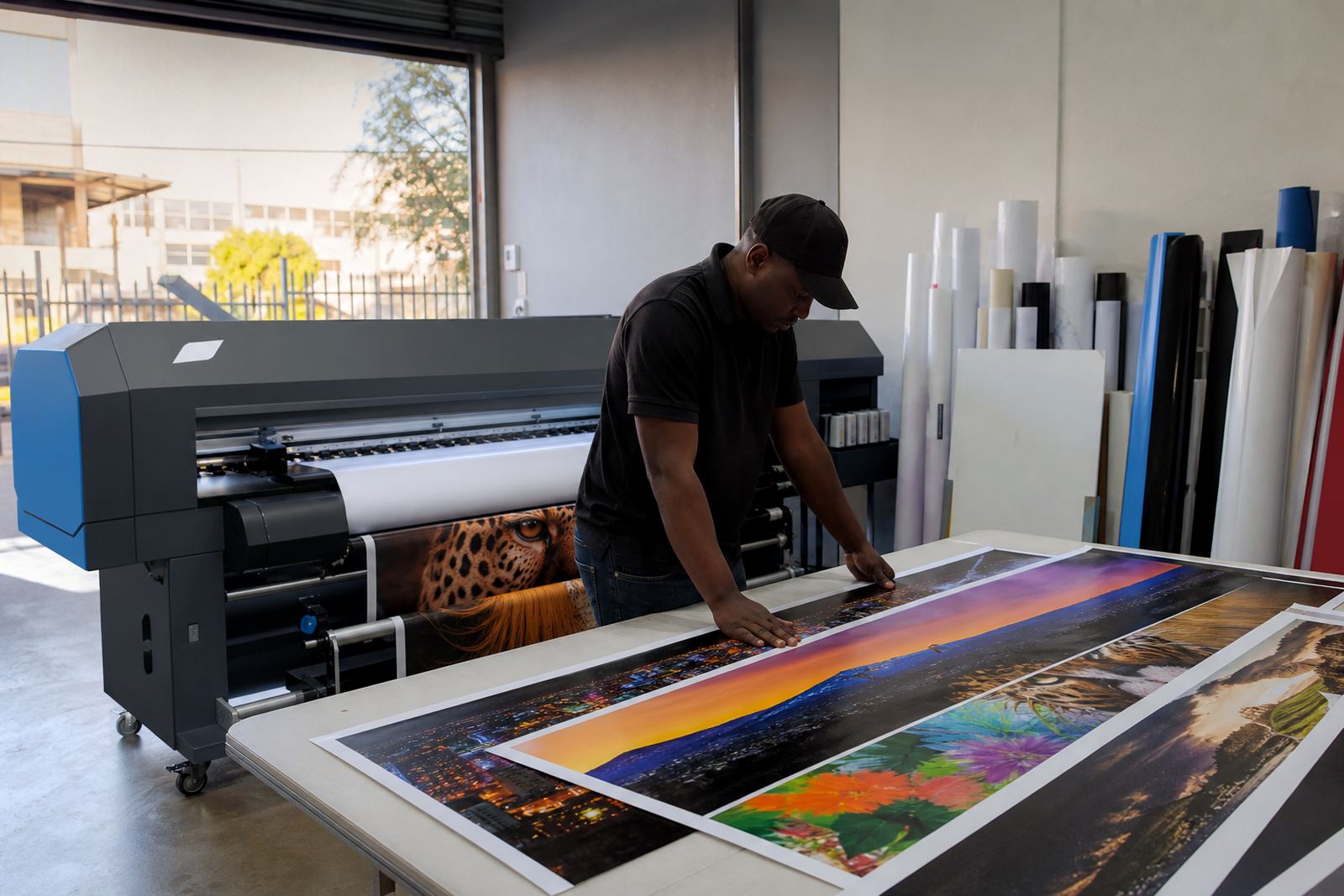
The client was a sign maker in Pinetown, working on wide-format inkjet output for shopfront panels, vehicle graphics, event boards and short-run display work. Their team needed cleaner communication between the RIP workstation and the printer controller, plus a more dependable setup for daily production. Jobs were getting held up by driver mismatches, inconsistent queue handling and colour drift across repeated runs.
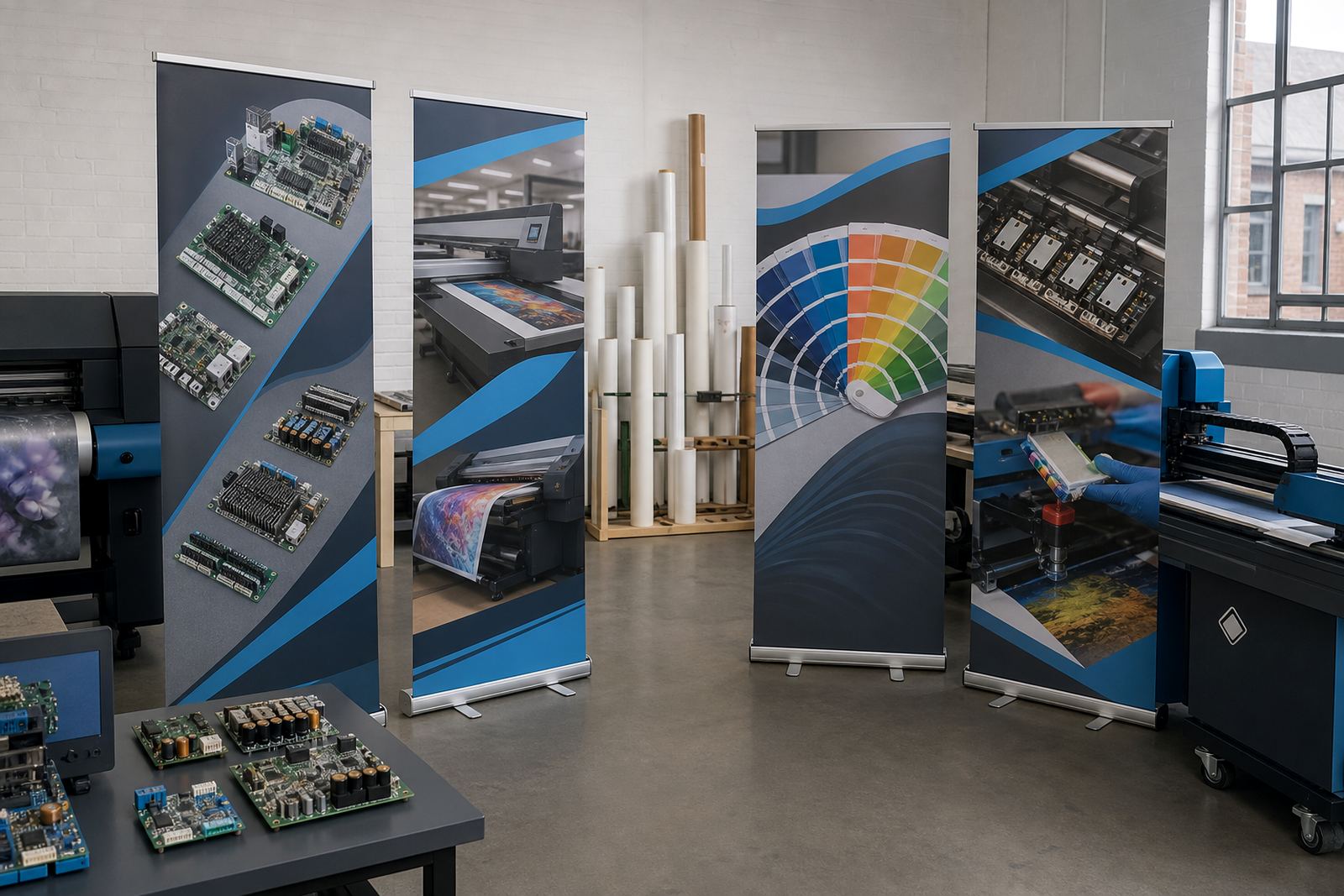
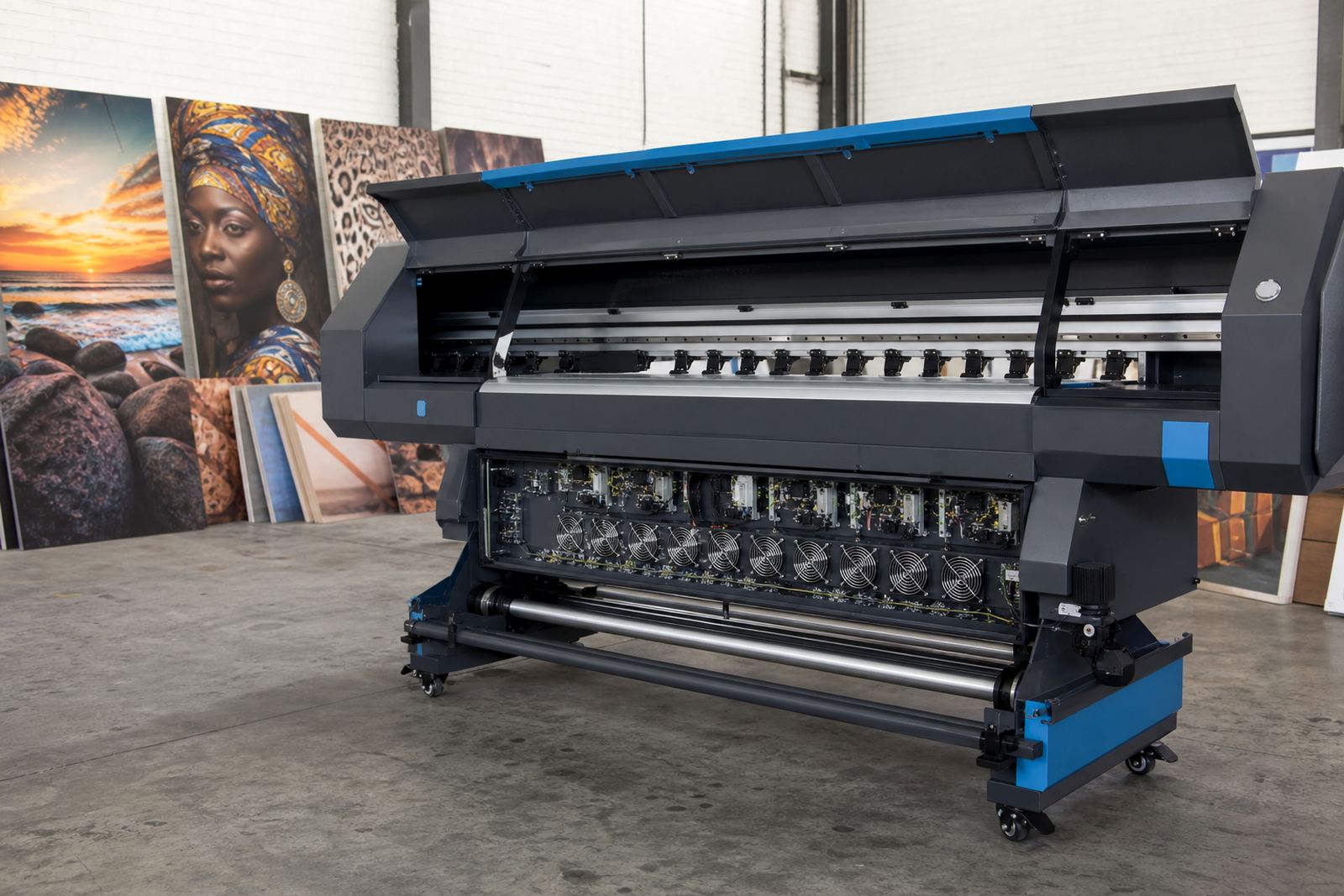
The brief was direct. Sort out the board communication path, stabilise the printhead driver settings, and bring the RIP environment into a form that the operators could use without constant guesswork. The workshop had limited room around the printer line, and the team could not afford long downtime while they tested each setting one by one.
- Wide-format inkjet production for signage and display work
- Faults around device communication and driver matching
- Need for repeatable colour handling across mixed jobs
- Busy print floor with little space for long trial runs
What was checked before any settings were changed
We started by reviewing the board configuration, the RIP software path and the printer connection chain from workstation to output. That included the print queue order, the driver version in use, head control settings, media presets and the colour profile structure. In these environments a small mismatch can create banding, misfeeds or stalled jobs, especially when operators switch between rigid board, vinyl and coated media during the same day.
The sign shop also needed a layout that supported clean handover between day shift and after-hours production. We checked how saved presets were named, how maintenance tasks were being logged, and whether the operators could recover a paused job without losing the queue structure. A few of the stored settings had drifted over time, so the system was working harder than it should on simple output.
- Control board communication path reviewed end to end
- Printhead driver setup checked against the active machine profile
- Queue order and naming cleaned up for operator use
- Maintenance reminders aligned with the actual production cycle
Board configuration and RIP setup for steadier output
The main correction was an updated board configuration matched to the printer’s working profile. We set the driver parameters to suit the machine behaviour, then aligned the RIP software so it sent cleaner data to the board during production. The colour workflow was also reset, with profile handling tightened for the media types they used most often. That helped reduce the small but costly shifts that can show up in reds, dark greys and solid blacks.
We also adjusted nesting and queue logic so the team could make better use of board sheets and roll stock. On mixed signage work, a poor nesting setup wastes material and clutters the print queue. Once the layout rules were corrected, the operators could place jobs with less manual adjustment and fewer interruptions. The result was a more settled production line, even when several jobs were waiting at once.
- Updated board configuration matched to the printer profile
- Printhead driver settings set for the active machine behaviour
- Colour profiles rebuilt for common signage materials
- Nesting rules adjusted to reduce offcuts and queue clutter
Remote support from Midrand into a busy KwaZulu-Natal shop
The work was handled with remote setup support from our Midrand base, which suited the client because the issue sat in the configuration layer rather than in a damaged mechanical section. We could guide the sign maker’s team through each stage while checking the live software and board responses at the same time. That meant less time spent swapping cables or chasing false faults.
Once the core settings were stable, we handed over the operating notes and walked through the usual fault points that can return when the system is changed by different hands. The team also needed practical guidance for maintenance, so we covered head checks, clean shutdown steps and how to keep the profile set intact after future edits. The sign shop was able to keep producing while the setup was being refined, which mattered in a tight deadline period.
- Remote setup used to limit downtime on the shop floor
- Operator notes prepared around the actual machine workflow
- Maintenance steps covered for everyday printroom use
- Fault points explained in plain production language
The production result after the rebuild
Within two weeks, the system was running with fewer stalls and a cleaner relationship between the RIP software and the printer controller. Output became more consistent across repeated runs, and the operators no longer needed to keep correcting queue problems before every shift. Colour drift was reduced enough that sign panels could be produced with less manual rework, which helped the team move faster through their standard jobs.
The biggest difference was the day-to-day control. Instead of treating each job as a separate troubleshooting exercise, the team could load work, confirm the profile and let the queue follow the set rules. The printer still needed ordinary maintenance, but the control path was no longer the weak point. For a sign maker in a busy town like Pinetown, that sort of stability makes a real difference when work is landing from several customers at once.
- Configuration stabilised across common sign jobs
- Queue handling became easier for multiple operators
- Colour repeatability improved on regular substrates
- Less manual intervention was needed before each run
What we would carry into a similar sign shop setup
For a similar shop, we would keep the work focused on the full chain rather than on one visible fault only. A control board issue can look like a software problem, and a software fault can look like a driver mismatch. In wide-format inkjet production, the useful fix is usually the one that lines up the board, the RIP and the operator habits together.
We would also keep the colour workflow practical. That means media profiles that match the real stock being used, queue rules that suit the job mix and maintenance steps that fit the shift pattern. If the printer room handles rigid signage, roll media and short-run display pieces in the same week, the setup must stay readable for the people using it. That is where the real time saving sits, not in flashy settings but in a controlled production path.
- Check the whole data path before changing hardware
- Keep colour profiles tied to actual stock and usage
- Set queue rules that suit the job mix on the floor
- Make maintenance steps clear enough for shift handover
Key facts
| Client type | Sign production team in Pinetown, KwaZulu-Natal |
|---|---|
| Scope | Board configuration, RIP setup, printhead drivers, colour profiles |
| Service method | Remote setup and support from Midrand, Gauteng |
| Timeline | 2 weeks from first review to settled production |
| Main issue | Communication faults between RIP software, board and printer drivers |
| Outcome | Cleaner queue control, steadier output, reduced rework |