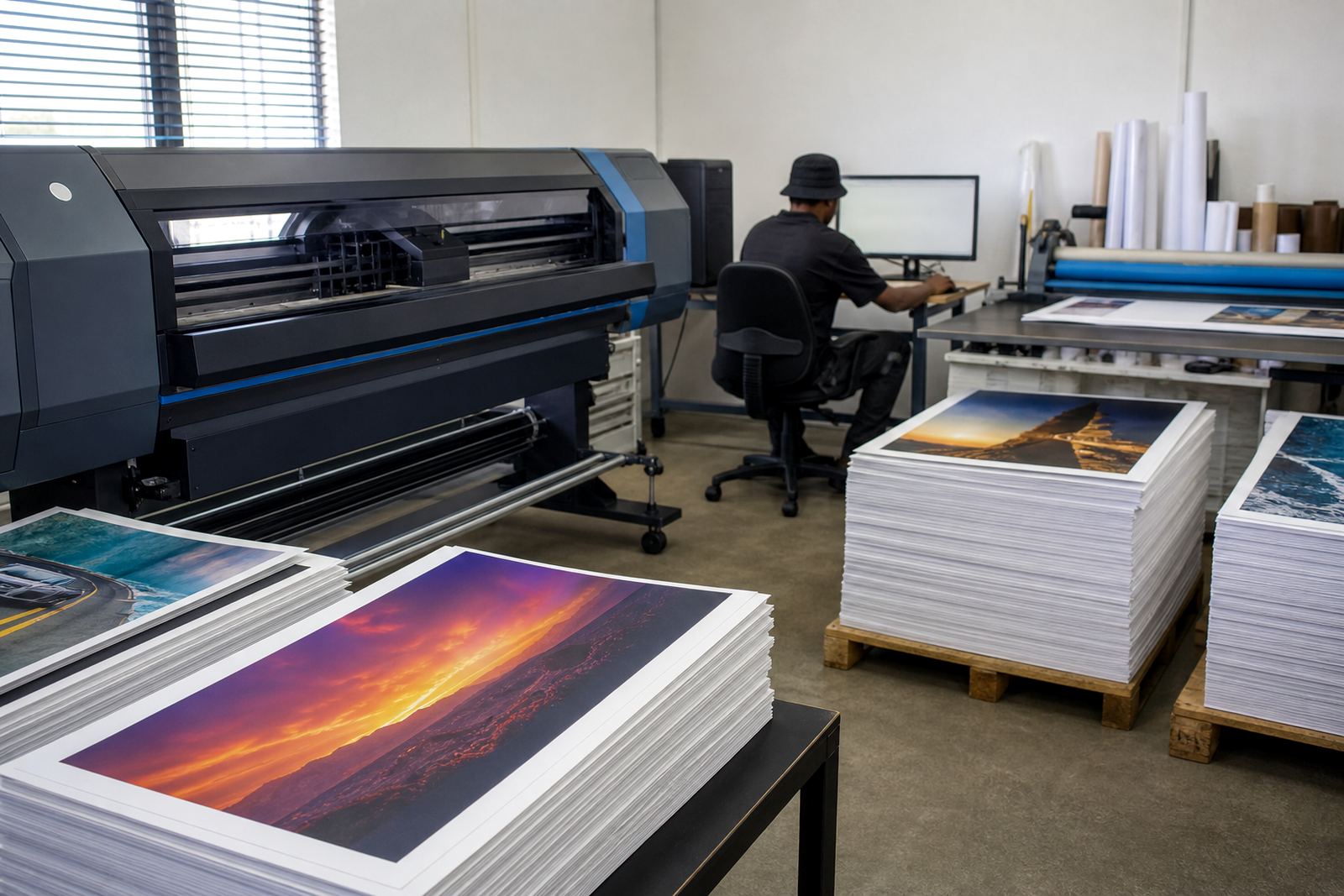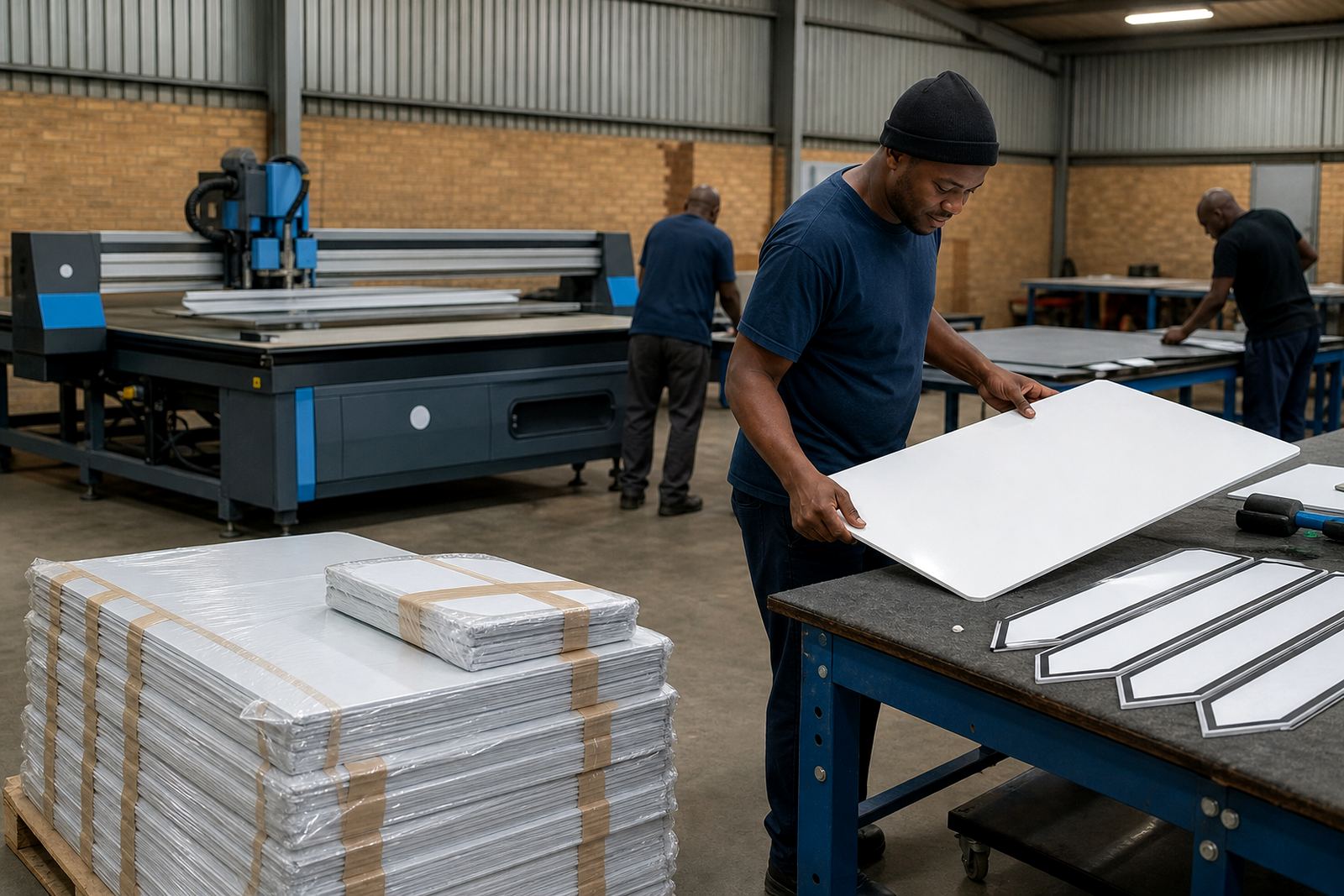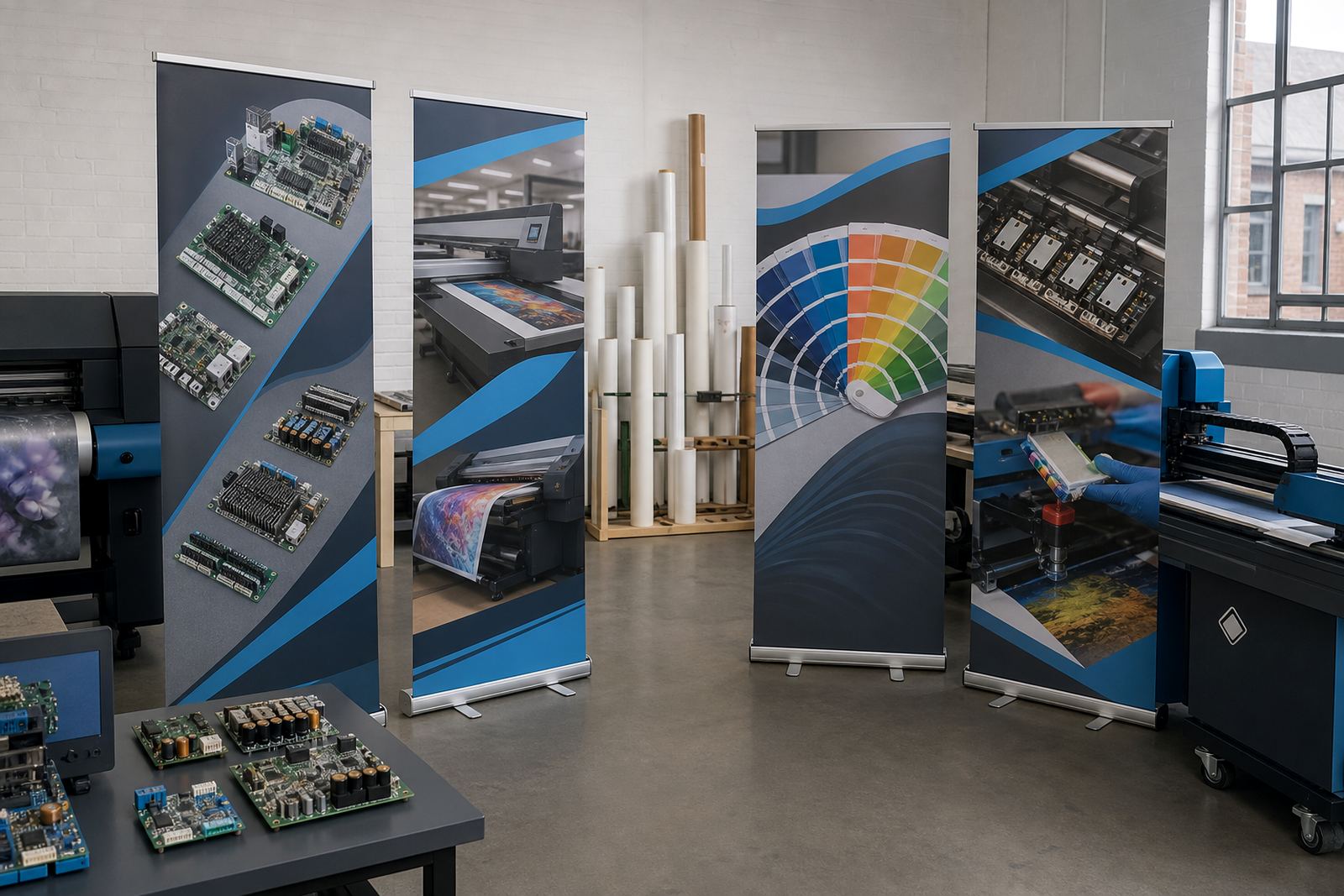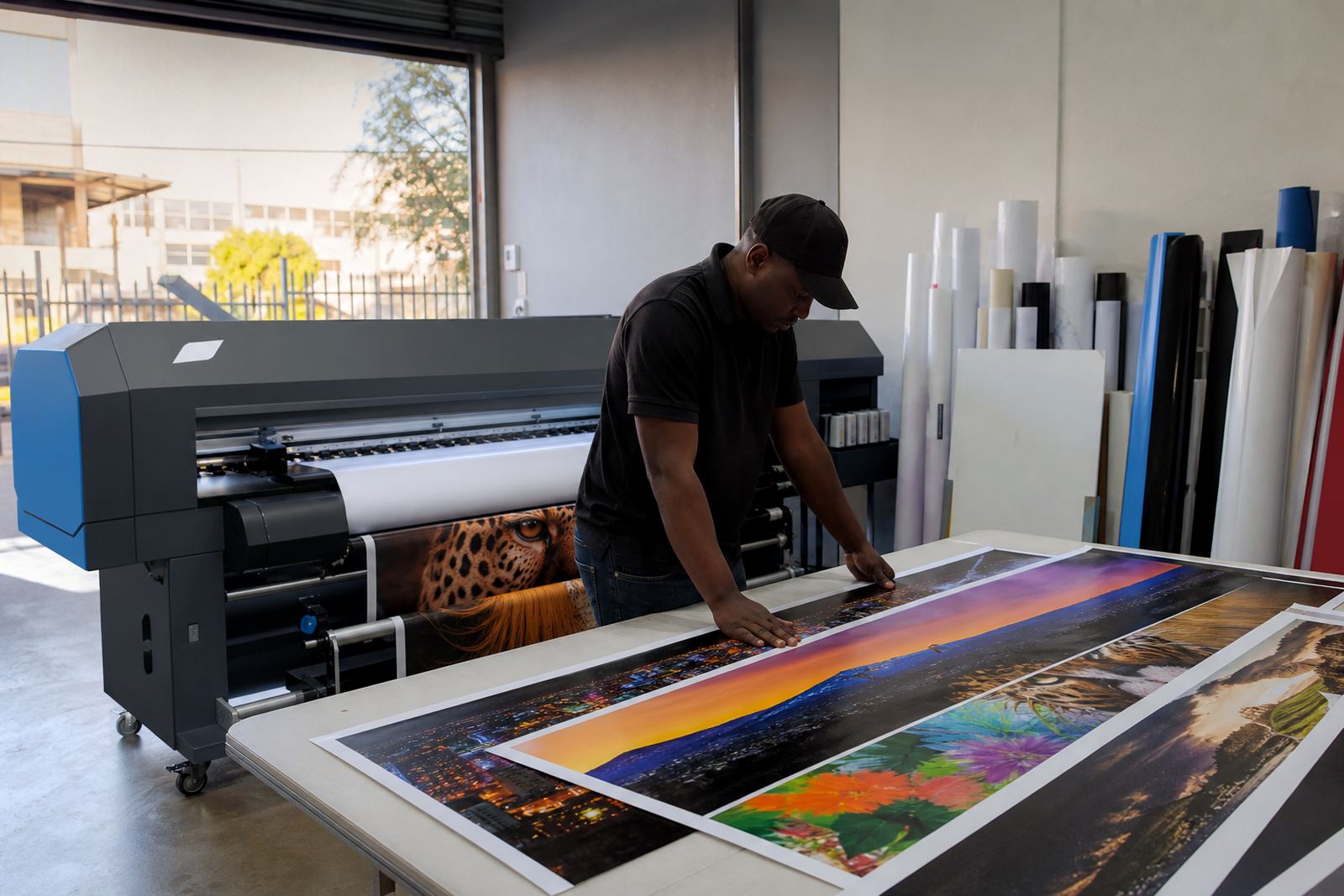
A print room in Midrand with mixed daily work
The client was a signage shop in Midrand handling a steady mix of vinyl prints, laminated graphics and short production runs for local rollout work. Their operator team knew the printer hardware well, but the RIP setup had grown patchy over time, with different presets being used for similar jobs and colour shifts showing up between reprints.
The brief was practical. They wanted a cleaner queue structure, repeatable media presets and a more controlled colour path for wide-format inkjet output. They also wanted the setup to suit the pace of a busy production floor where jobs move between design, proofing and finishing without much spare time for searching through old settings.
What was getting in the way
The main pressure points were easy to recognise once the workflow was reviewed. Some jobs were being sent with generic print settings, others were adjusted at the last minute, and the team had no single place where media types, print modes and ink limits were being kept in order. On a floor like this, that leads to repeatable work becoming less repeatable, especially when staff members hand over shifts or when a rush order arrives late in the day.
- Queue names were inconsistent and hard to trace
- Media presets were duplicated with small changes
- Colour profiles were not matched to each substrate
- Operator notes were being kept outside the RIP
- Maintenance checks were being done ad hoc, not as a set routine
The workshop also had to handle local conditions that matter in Johannesburg and the Highveld, including dust and dry air, which can affect nozzles, feed consistency and general print stability. That made preventive maintenance part of the fix, not an extra.
Boards, drivers and RIP control that matched the room
We supplied and configured the printer control board and RIP software around the machine already in use, then mapped the printhead driver setup to the media types the shop actually ran. The focus was on control and repeatability rather than adding layers of complexity. Ink limits, pass counts, resolution choices and curing related settings were reviewed against the output the client needed for everyday signage production.
The workflow was then rebuilt in a cleaner way. Queues were grouped by job type, media presets were named clearly and colour profiles were linked to the right materials. That gave the operators a setup they could follow without guessing, while still leaving room for custom work when a job called for it.
- RIP installation and activation on the production PC
- Board installation and device mapping
- Printhead driver setup for the installed print engine
- Colour profile setup for common media used in signage work
- Queue workflow design with clearer job naming
- Backup and recovery of working presets and profiles
Three weeks from review to stable output
The project ran over three weeks. The first week was spent reviewing the current workflow, checking the existing queue structure and identifying where the output was drifting. The second week covered the installation work, profile building and test prints on the main media types. The final week was used for operator training, fault finding on minor feed issues and refining the maintenance routine so it fitted normal production hours.
Remote setup played a useful part here. It let us review settings while the shop kept printing, then make controlled changes without pulling the whole team away from production. That approach suited a Midrand base supporting a shop that still had to meet daily deadlines for customers in Gauteng and further afield.
What changed on the floor
Once the new queue structure and media presets were in place, the team had fewer set up changes between jobs and a clearer path from artwork to output. The colour profile work also made proofing more reliable, which helped reduce the back and forth that usually comes from a print not matching the screen or the previous run.
- Daily production became easier to hand over between operators
- Similar jobs now used the same media preset and queue path
- Colour differences between repeat runs were reduced
- Maintenance checks were tied to the actual print routine
- Backup files were kept ready for recovery after changes or faults
The shop did not need a complicated setup to get better results, just a cleaner one. That mattered on a busy signage floor where the machines have to move through mixed jobs, tight media schedules and the usual pressure of reprints when a customer wants a quick correction.
What we would bring into a similar job
If we were handling a similar signage print room again, we would start by tightening the queue structure before touching the finer colour adjustments. That order gives the operators a clearer day-to-day path and makes later tuning more meaningful. We would also keep the maintenance routine close to the production habits of the site, rather than treating it as a separate admin task.
For this Midrand shop, the strongest result came from matching the RIP setup to the way the team actually printed. The equipment, profiles and queue flow all worked better once they were treated as one production system instead of separate parts.
Key facts
| Project type | Wide-format inkjet RIP and control board setup |
|---|---|
| Client area | Midrand, Gauteng |
| Timeline | 3 weeks |
| Main focus | Queue workflow, media presets and colour profile control |
| Support scope | Remote setup, operator training, fault finding and backup recovery |
| Coverage | Midrand, Sandton, Tshwane, Durban, Cape Town and Bloemfontein |