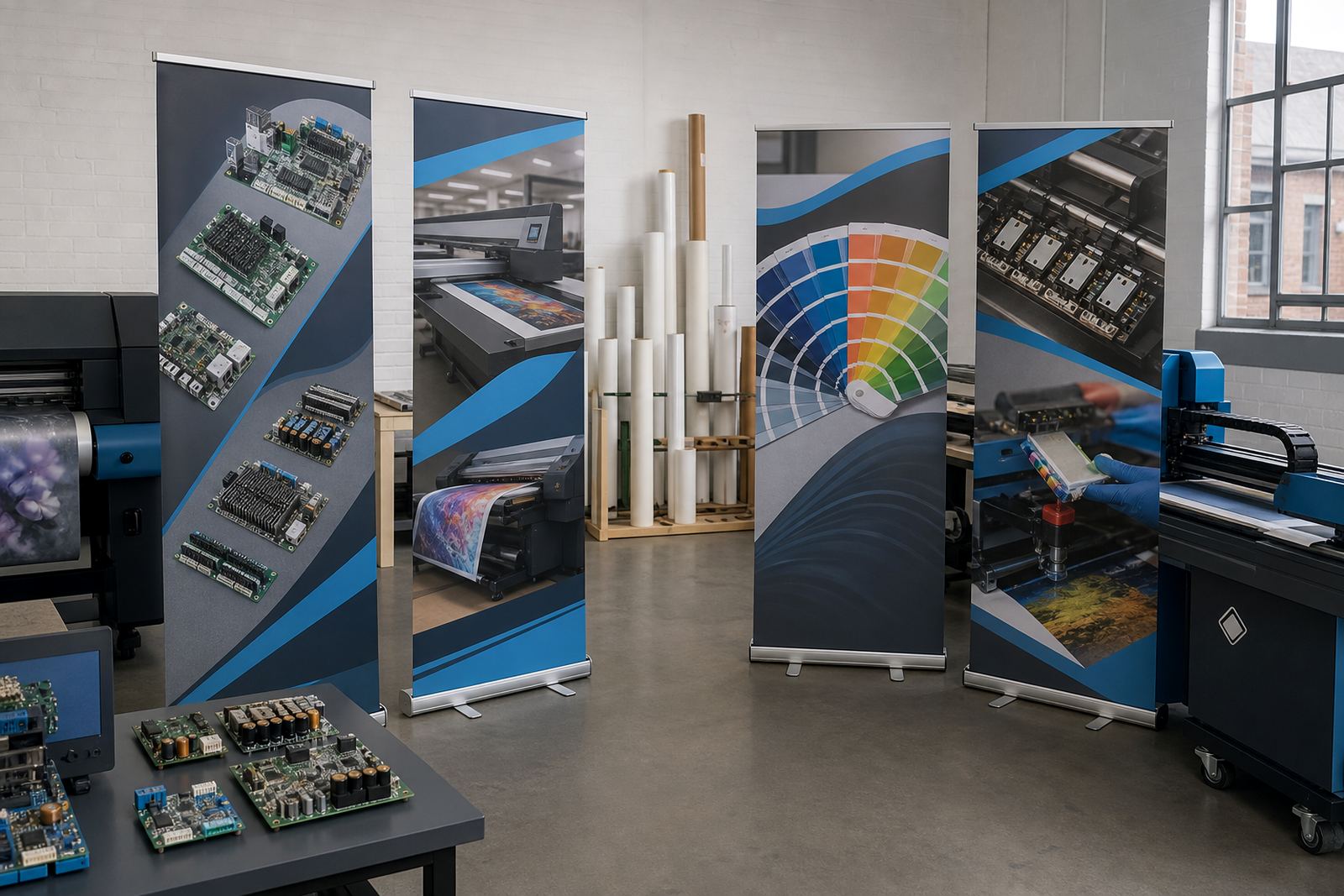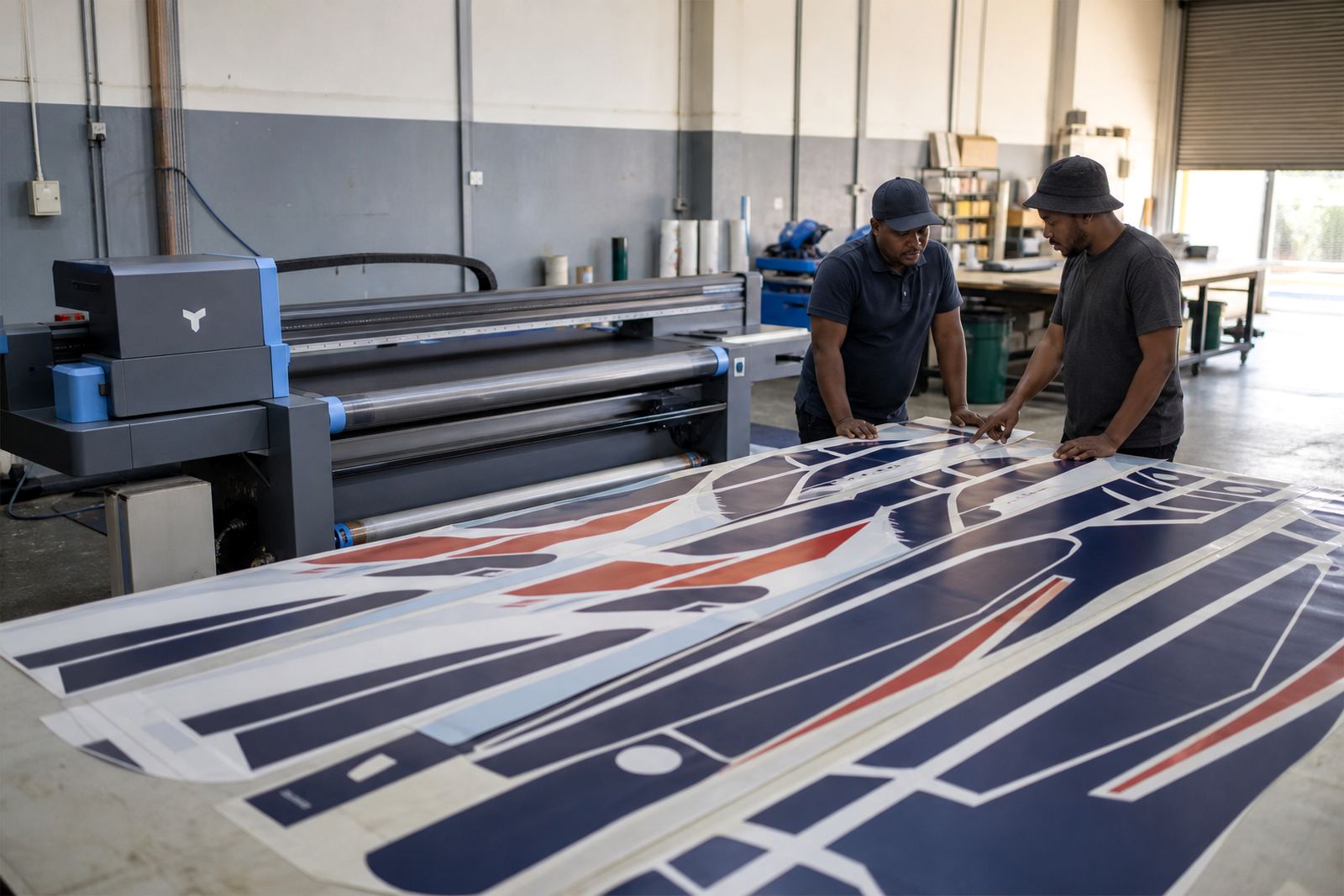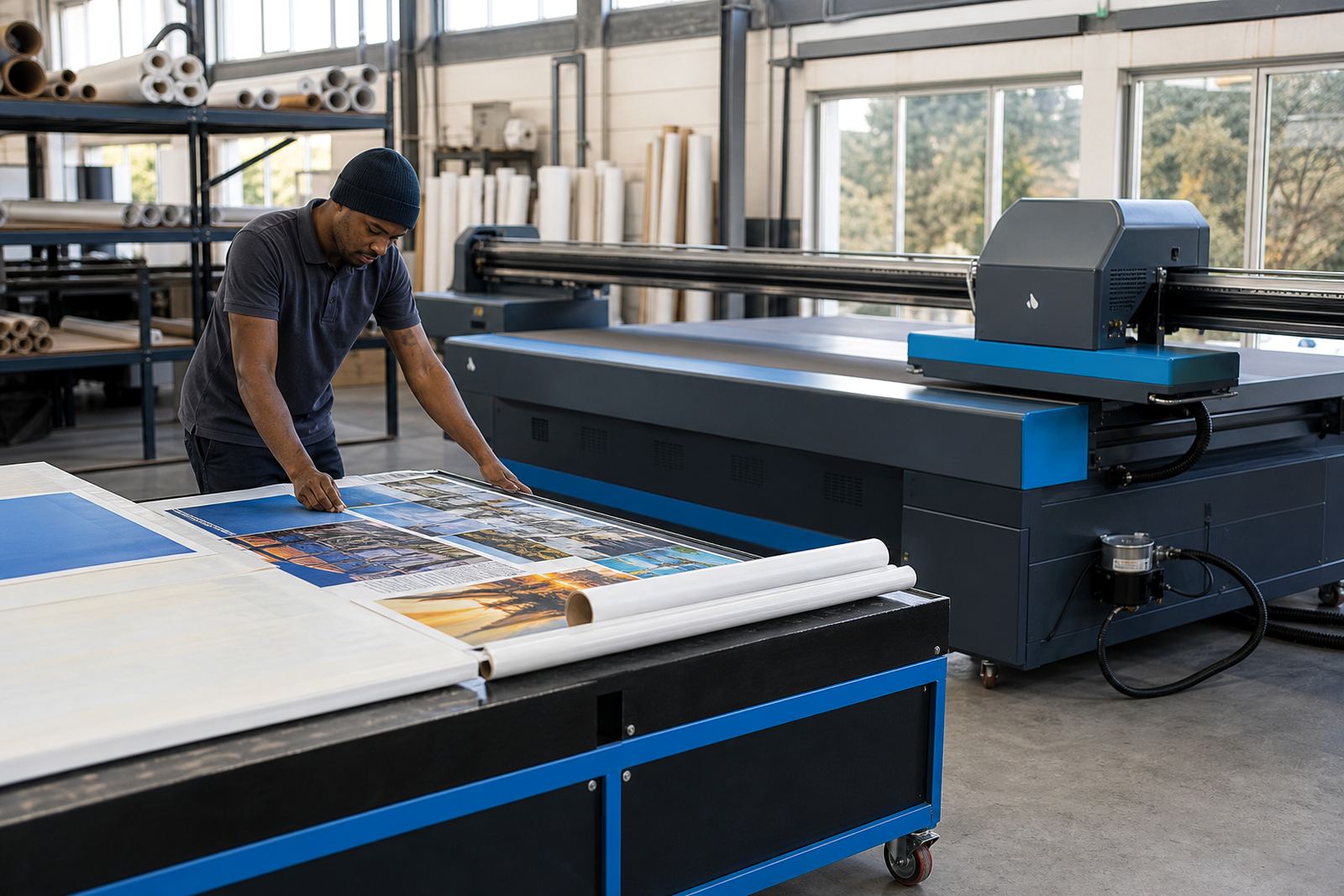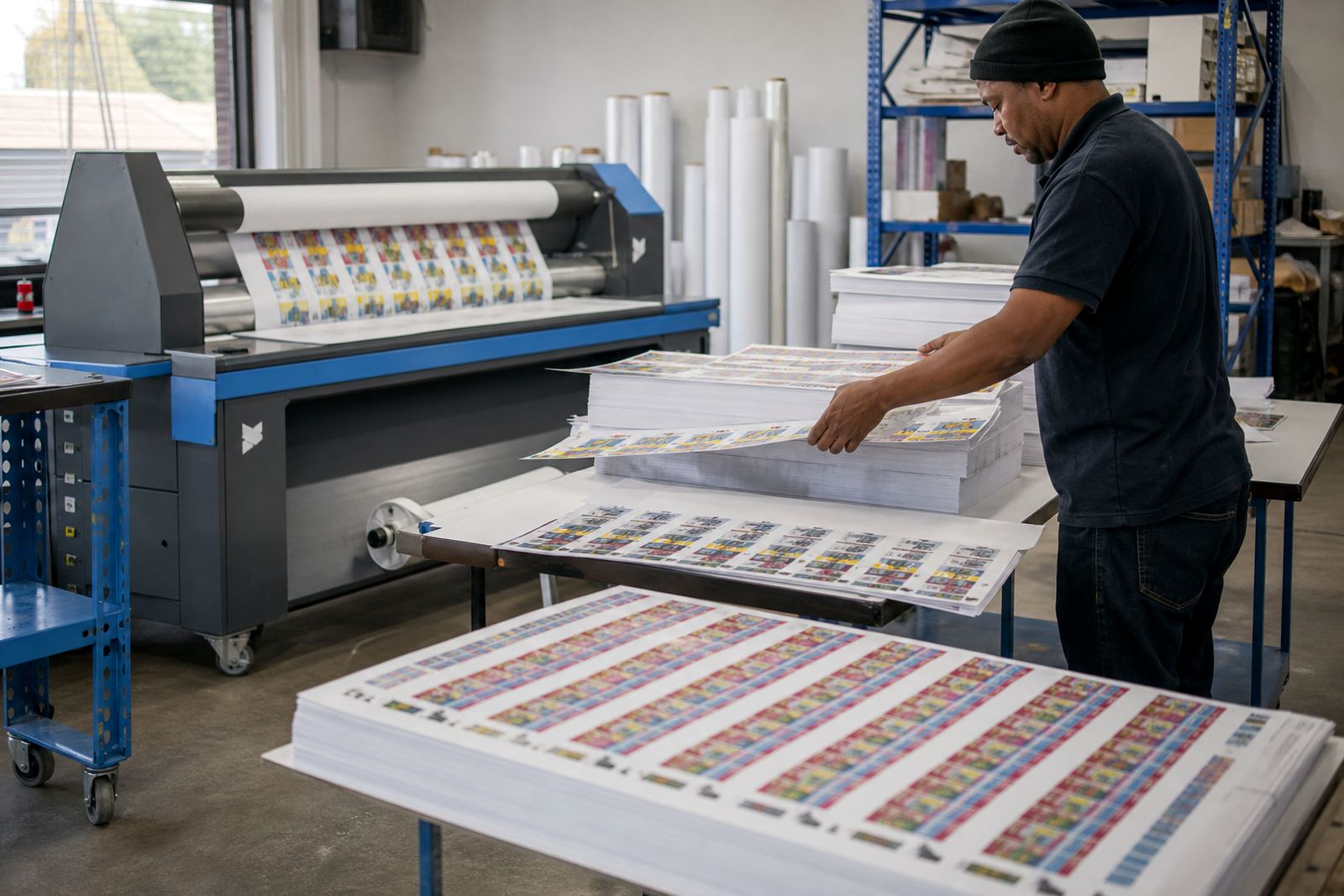
A Pretoria label line that needed tighter sheet control
The client was a short-run label operation in Pretoria working with mixed label sizes, frequent artwork changes and a steady need for neat cut-mark placement. Their jobs were being handled on a wide-format inkjet printer, with operators juggling repeat lengths, nested layouts and finish-ready output on a tight production schedule.
The brief was clear: reduce manual checking, keep the repeat stable across runs, and make the layout easier to handle when the queue changed from one label set to the next. The team also needed cleaner colour control for branded labels, because small shifts in density were showing up on light backgrounds and fine text.
- Client type: short-run label production floor
- Town: Pretoria, Gauteng
- Job type: step-and-repeat layout and cut-mark setup
- Print environment: wide-format inkjet production
The setup constraints on the production floor
This was not a clean-sheet install. The printer was already in use, the operators had existing habits, and the label work could not stop for long stretches. The main constraint was fitting a better RIP structure into an active line without upsetting the current order flow. Another issue was making sure the cut marks sat where the finishing team expected them, with no drifting between repeats.
There was also a practical colour matter. On narrow label panels, small changes in tone show quickly, especially on solid blocks and fine logos. The workflow needed colour profiles that matched the media more closely and a queue setup that kept the same settings from run to run. In a busy shop, that kind of control matters just as much as raw print speed.
- Active production could not be interrupted for long
- Repeat lengths had to stay consistent
- Cut marks needed cleaner positioning for finishing
- Colour stability mattered on small label faces
What we supplied and configured
We supplied the RIP software setup, configured the printer control board interface, and adjusted the printhead driver settings so the line could hold its layout and colour choices with less hands-on correction. Step-and-repeat was arranged to suit the label sheet size, with nesting used where artwork shape allowed it so the shop could waste less media on smaller jobs.
The queue workflow was set out so operators could move between label versions without redoing the whole job setup each time. We also loaded maintenance routines that helped keep heads cleaner and reduced avoidable stoppages during normal production. The support work was carried out remotely, with the Pretoria team sharing test files and sample output while the settings were refined.
- RIP installation and print queue setup
- Printhead driver configuration for the active media set
- Colour profile setup for label stocks used on site
- Step-and-repeat and cut-mark placement
- Maintenance routines for daily and weekly checks
A two week run from first file to stable output
The project ran over two weeks. The first stage focused on reviewing the existing workflow, checking the label sizes in use, and mapping the points where layout errors were creeping in. The second stage dealt with the RIP settings, colour handling, and cut-mark alignment. By the end of the second week, the shop had a repeatable path from artwork to finished label set.
That timeline also gave space for operator training. The team needed practical steps, not theory, so the training covered file handover, queue selection, repeat checks and basic fault finding on common label issues. One operator could then move from a saved queue to a fresh run with far less guesswork, which helped the floor stay steady during busy print periods.
What changed once the queue was cleaned up
Once the workflow was tightened, the label line became easier to run. Cut marks sat more neatly against the repeats, and the operators spent less time correcting layout drift before sending jobs forward. The colour profiles also gave a more even result across short runs, which mattered for packs where the same label had to look consistent from one batch to the next.
The biggest gain was not dramatic on paper, but it was visible on the floor. Less rework, fewer hold-ups at finishing, and a clearer handover between design, RIP setup and print. For a short-run label operation, that kind of control saves media and makes each production shift feel less scattered.
- Cleaner repeat alignment on label sheets
- More even colour across short production runs
- Less manual adjustment before finishing
- Better handover between design and print staff
What to repeat on a similar Pretoria job
On a similar label project, we would again start with the actual artwork mix and the finishing method, because those two points shape everything else. A label line can look fine in isolation and still waste material if the step-and-repeat spacing is off by a small amount. We would also keep the maintenance plan tied to the operator routine, so the settings do not drift after the first few busy weeks.
For Pretoria and other Gauteng print floors, we have found that the best results come from matching the RIP structure to the way the team already works. When the queue is set around the real job flow, label runs are easier to repeat, and the printer spends more time producing useful sheets than being reset between jobs.
- Start with label sizes and finishing method
- Set repeat and cut marks around the actual workflow
- Keep colour profiles tied to the media in use
- Train operators on saved queues and fault checks
Key facts
| Project type | Pretoria short-run label production setup |
|---|---|
| Location | Pretoria, Gauteng |
| Workflow | Step-and-repeat and cut-mark configuration |
| Equipment | Wide-format inkjet printer with control board and RIP setup |
| Services used | RIP Installation, Printhead Driver Setup, Colour Profile Setup, Queue Workflow Design, Operator Training |
| Timeline | 2 weeks |