The brief from an Alberton fleet graphics team
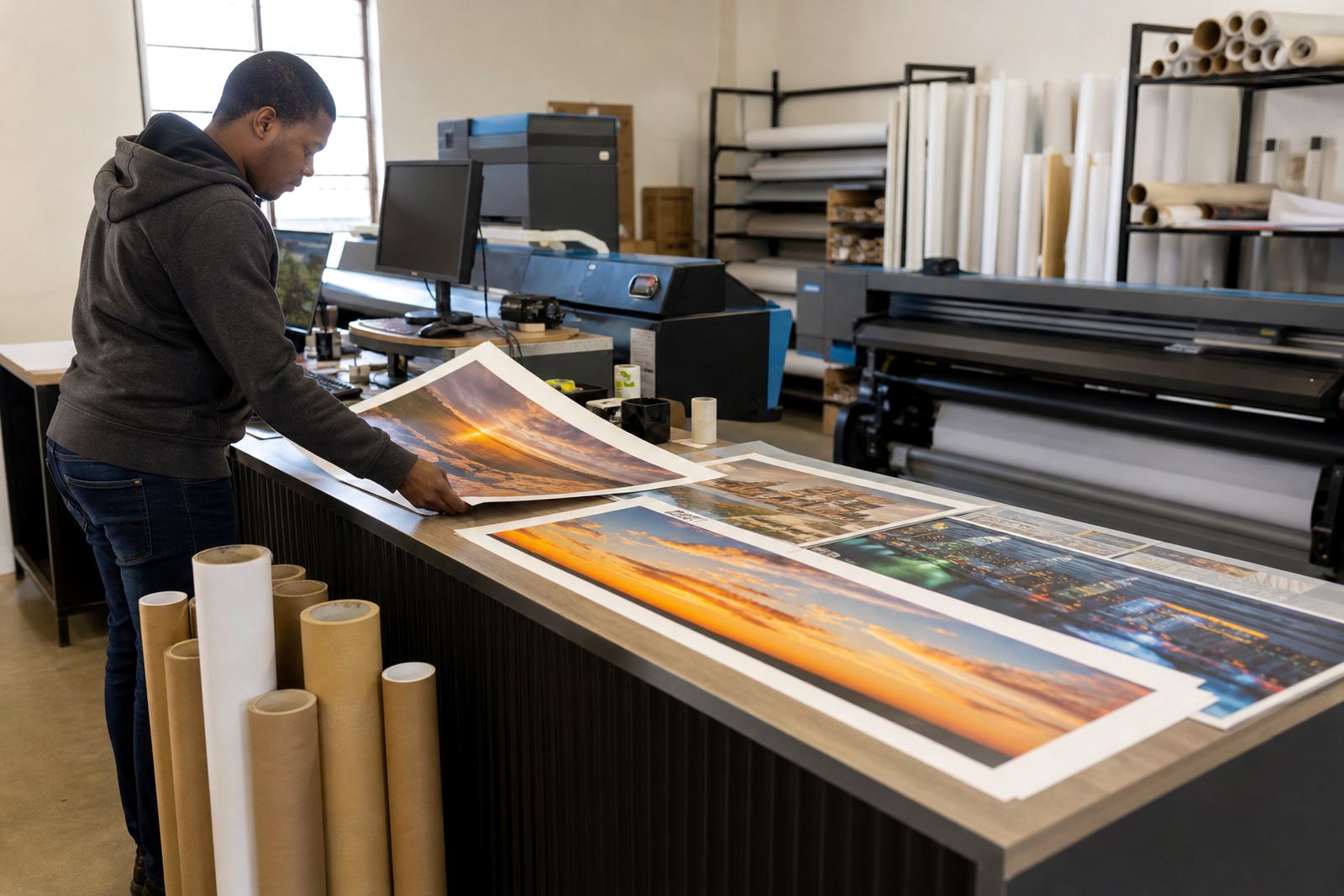
The client handled branded fleet graphics for a mixed vehicle line-up in Alberton, with jobs moving between short-run reprints, replacement panels and full sets for new vehicles. Their main concern was not artwork approval, it was print consistency. When a side panel is reprinted a week later, the reds must sit in the same place and the greys must not drift warmer or cooler.
The workshop had a wide-format inkjet production line with separate print queues for different media types, and the operators were spending too much time adjusting jobs by eye. They needed tighter control over RIP settings, a cleaner handover between design files and production, and a way to keep repeat work aligned without rebuilding every job from scratch.
The press room constraints we worked around
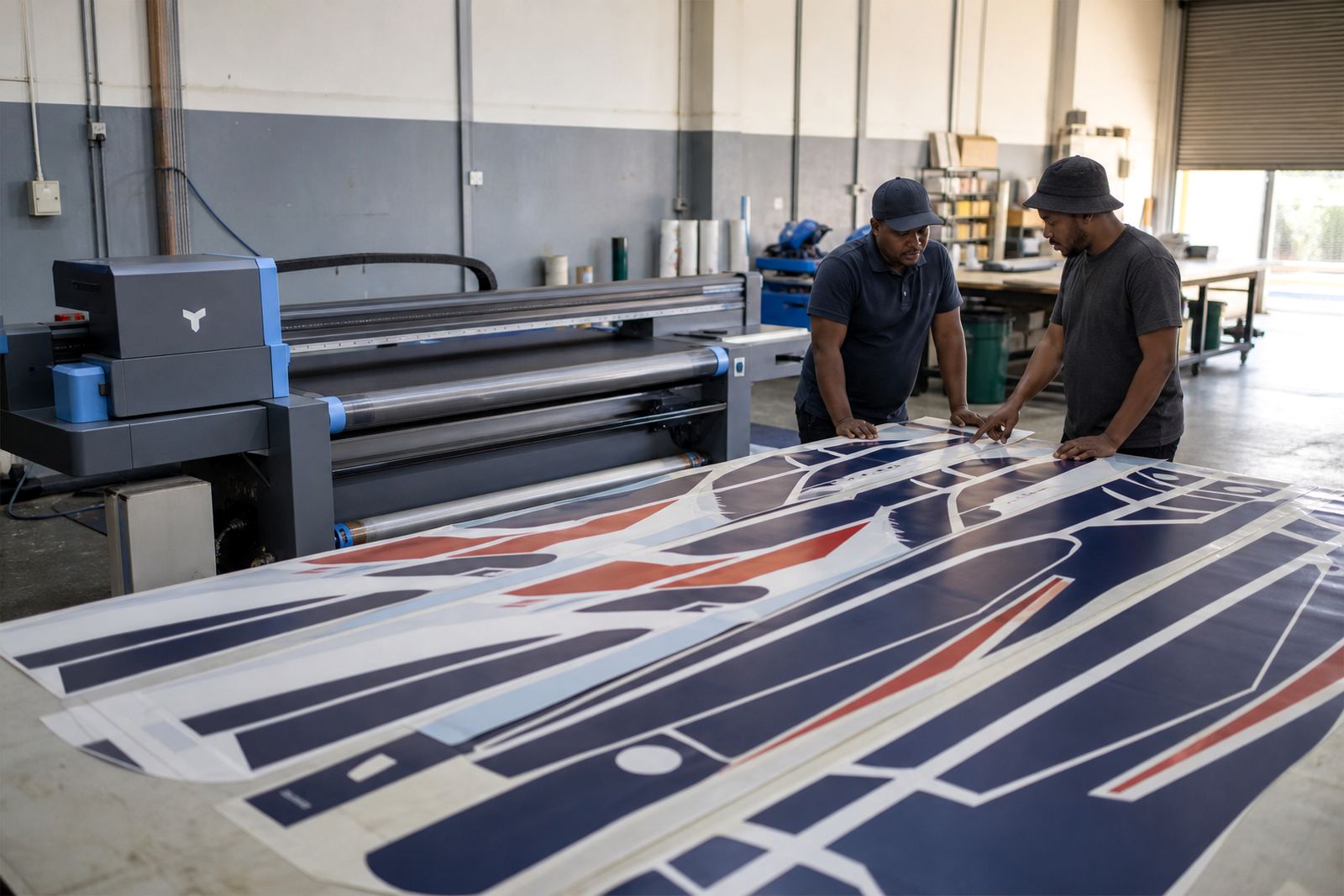
Fleet graphics can look straightforward from the outside, but the practical limits show up in the production room. The team had mixed media widths, a few repeat vehicles from earlier campaigns, and print files that arrived from more than one designer. Some artwork was supplied as full vehicle sets, while other jobs arrived as partial panels that had to match older work already on the road.
- Material widths ranging from 610 mm to 1 370 mm
- Mixed reprint files with older colour builds
- Different viewing conditions for day deliveries and workshop checks
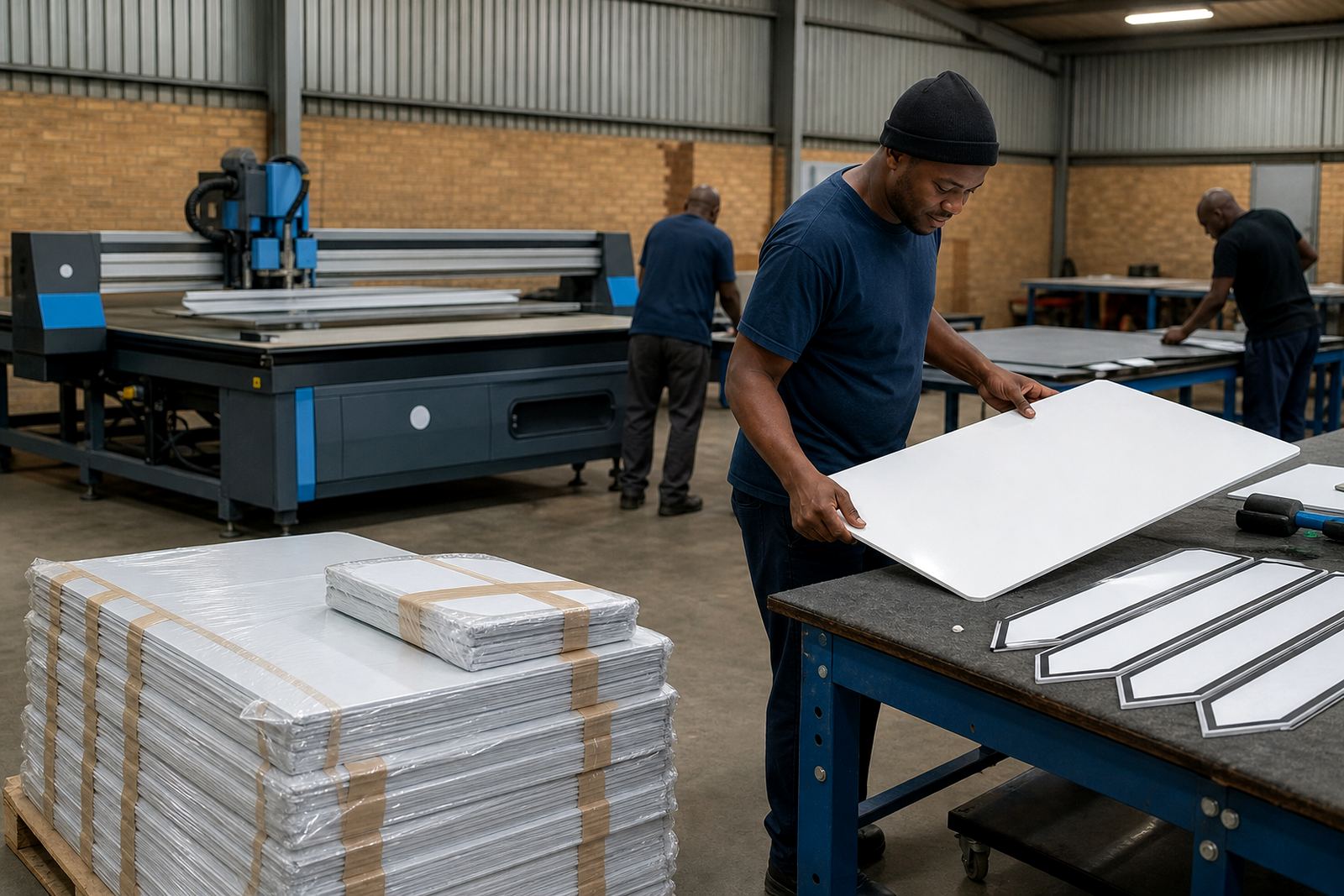
- Need for reliable nesting to cut waste on shorter panels
- Operator notes that had to be repeatable, not guessed each shift
We also had to keep the workflow practical for a busy team. There was no room for a setting that only one person understood, and no benefit in a colour process that looked good on one job but wandered on the next. The aim was stable production, plain and simple.
What we supplied and configured
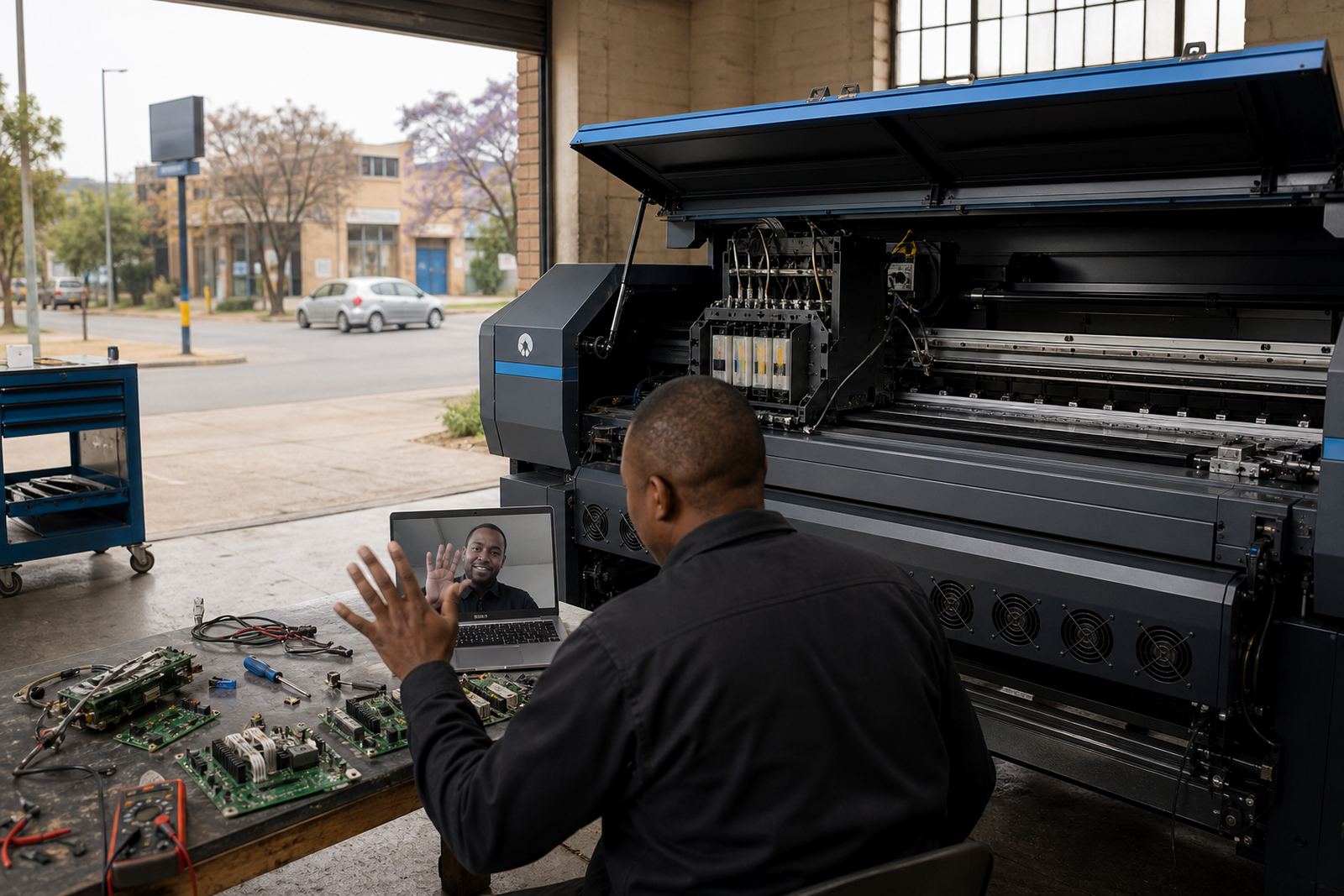
We supplied and configured the control board layer, the RIP software setup, printhead driver settings, colour profiles and queue logic for the production line. The board installation was matched to the printer setup already on site, with the aim of keeping signal handling clean and giving the operators a more dependable job path from file intake to print output.
For the graphics work itself, we built a workflow that separated common fleet items by media type and ink limit. That made it easier to keep vehicle sets grouped together, and it helped the team avoid colour drift between jobs that were printed on different days or after a maintenance cycle. We also set up maintenance reminders inside the workflow so nozzle checks, head cleaning and test patterns were not left to memory.
- RIP installation and queue setup
- Board installation and print signal configuration
- Printhead driver setup for the inkjet unit
- Colour profile setup for repeatable fleet branding
- Nested layout rules for panel economy
- Backup and recovery preparation for the production file library
The three week rollout on the floor
Week one focused on the board installation, RIP setup and the first round of profile building. We checked the printer path, loaded the main production presets and tested the shop’s most common fleet colours. Week two was for queue workflow design, nesting rules and printhead driver tuning, with several test panels run on different media to confirm how the colours held under production speed.
Week three was used for operator training, backup routines and a fault finding pass on the live workflow. Lerato Khoza handled the production coordination side, while Johan Letsoalo and Zanele Moagi worked through the RIP and colour stages with the shop team. Aiden Phiri handled remote support during the handover, and Kagiso Pienaar checked board behaviour where the line needed closer repair attention. Bianca Rademeyer ran the training sequence with the operators so the daily steps were clear and not buried in jargon.
What changed in the printed fleet sets
The biggest change was consistency across multiple vehicles. The same blue, charcoal and accent colours held together better from one print batch to the next, even where the job was split over different days. The operators also spent less time reworking panel order because the nesting rules made better use of media width and reduced waste on smaller repeat sections.
Production checks became easier too. Instead of chasing the print by eye, the team had a repeatable set of colour controls and a clearer maintenance routine. That mattered on fleet work where a single mismatched panel can stand out on the road in Alberton, Boksburg or wherever the vehicle is parked. The workflow was not flashy, but it was far steadier and the shop could handle more repeat work without second guessing every file.
- More consistent colour between first runs and reprints
- Cleaner nesting on shorter vehicle panels
- Less time lost to manual adjustments at the printer
- Clearer maintenance steps for the operator shift
- Better match between design files and final output
What we would carry into the next fleet job
For a similar fleet graphics project, we would use the same order of work: lock the board communication first, build the RIP presets around the actual media in use, then set colour profiles against the jobs the client prints most often. That sequence keeps the production side grounded in the real workload rather than a generic setup that looks neat on paper but drifts on press.
We would also keep the training practical and tied to the live queue, because operators learn faster when the file they are printing is the one they will handle tomorrow. In a fleet environment the same vehicle may return for a patch panel or a changed logo, so the colour record, queue note and maintenance log all need to sit together. That is where the setup pays for itself, especially when the shop is balancing short reprints with full vehicle sets.
Local support for Alberton and wider Gauteng work
InkFlow RIP is based in Midrand, Gauteng and supports wide-format inkjet printer control boards and RIP software for print shops across South Africa, including Johannesburg, Pretoria, Durban, Cape Town and Bloemfontein. For fleet graphics teams, that means remote setup support, board installation help, printhead driver setup, colour profile work, backup recovery and fault finding when a production line needs attention.
For this Alberton project, the practical value was in keeping the colour process local in feel even when the support was handled remotely. The client needed a straightforward system. They needed a print path that held together under real shop pressure and a setup the team could use without hunting through menus every time a new vehicle file landed.
Key facts
| Project location | Alberton, Gauteng |
|---|---|
| Client type | Fleet graphics supplier |
| Rollout time | 3 weeks |
| Core work | RIP installation, board installation, colour profiles, queue workflow design |
| Production focus | Multi-vehicle colour consistency |
| Support model | Remote setup and ongoing support |