The brief from a Free State signage floor
The team in Bloemfontein was working on a mixed signage run that included outdoor boards, vehicle graphics and short-run display work. After an electronics replacement on the printer, the output had shifted in small but costly ways: colour drift, banding at certain pass counts, and a queue that did not keep jobs in the order the operators wanted.
The brief was straightforward in wording but technical in practice. They needed the machine stabilised remotely, the RIP software reviewed, and the board settings checked so the printer would hold a reliable pass pattern on coated and uncoated media. The site also wanted a cleaner workflow for reprints and re-queues, because the same job was being handled by more than one operator across the week.
- Client type: regional signage team
- Town: Bloemfontein
- Printer class: wide-format inkjet unit with replacement electronics
- Main issue: unstable output after board work
What was holding the output back
The main constraint was that the printer had already been altered at hardware level, so the usual factory assumptions no longer matched the live machine. That meant the board-to-software handshake needed fresh attention. The team also had mixed media stock, from self-adhesive vinyl to banner material, and each one needed a slightly different colour path and drying logic.
Remote work had to be done carefully because the site could not afford long interruptions. They were running daily jobs for local shops and regional clients, so the queue had to stay understandable while changes were made. We also had to work around the reality of Free State production floors, where dust, heat and irregular operator handovers can show up quickly in print quality.
- Queue interruptions were causing job order confusion
- Colour profiles were not matching the media set
- Maintenance reminders were not being followed in a fixed sequence
- The replacement electronics needed live verification against the RIP
Boards, drivers and RIP settings we put in place
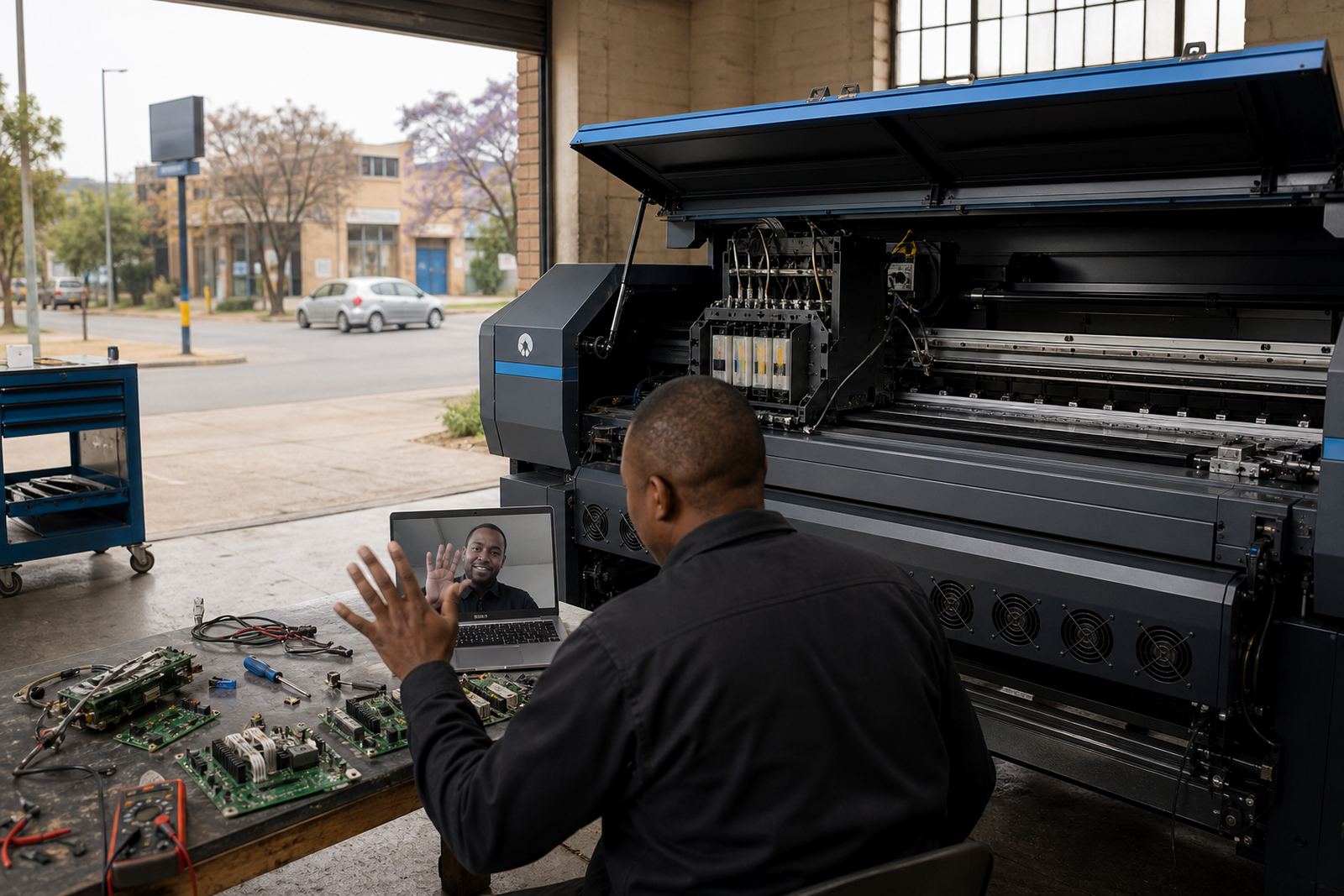
We supplied remote support for the control board side of the printer and reviewed the RIP software configuration from end to end. That included printhead driver setup, nozzle test behaviour, ink limit checks, media presets and the way the queue was nesting repeated items. The goal was not to force a new workflow, but to make the existing one behave properly under production pressure.
Colour profile work was central. We adjusted the output path for the media the team used most often, and tuned the profile set so the prints held better across solid blacks, skin tones and corporate colours. We also checked maintenance routines, because on a wide-format inkjet machine small habits matter. Wiping cycles, cap condition and the sequence of checks can make a large difference to consistency, especially on long runs.
- RIP installation and review of output presets
- Board installation verification after electronics replacement
- Printhead driver setup and nozzle behaviour checks
- Colour profile setup for the main media types
- Queue workflow design for multiple operators
- Backup and recovery for job settings and presets
Three weeks from unstable to repeatable
The work ran over three weeks in stages. In the first week we mapped the live faults, reviewed the board signals and settled the RIP side of the machine. The second week focused on colour, queue logic and media-specific presets. By the third week the team was testing full production jobs, including repeated signage panels and mixed batch work with fewer manual corrections.
The remote process suited the site because most of the risk sat in configuration rather than physical access. We could see where the printer was drifting, make the corrections, and have the operators confirm the result on their side. One small but important part was aligning the maintenance routine with the production day, so checks happened before trouble showed up instead of after the board had already started slipping.
- Week 1: fault finding and board verification
- Week 2: colour profile and queue changes
- Week 3: production tuning and operator handover
What changed on the production floor
Once the settings were settled, the output became much easier to manage. Job reprints matched the earlier settings more closely, the queue order held better, and the operators spent less time chasing the same fault across different files. The print shop could keep moving on ordinary signage work without stopping to rework every second run.
The biggest improvement was consistency across media changes. The team no longer had to treat each stock type as if it needed a fresh guess every time. That gave them firmer control over colour, nesting and maintenance, which matters when a site is balancing day work with larger regional orders. It also reduced the friction that had crept in after the hardware change, which had been slowing down the floor more than anyone first expected.
- Cleaner repeat output across reprints
- Better colour match across common signage media
- More stable queue handling for multiple operators
- Less manual correction during longer production runs
What to repeat on a similar setup
On a similar job, we would start with the board signal path, then move straight into the RIP presets and media workflow. That order keeps the technical side tidy before any colour decisions are locked in. We would also keep the maintenance sequence close to the operator routine, because that is where small mistakes usually start.
For a signage team in Bloemfontein or any other inland production room, the key is to treat board work, printhead drivers and RIP settings as one working system. If one part is out, the rest can look fine while still producing uneven jobs. A practical setup is the one that can be repeated on a busy floor without forcing the operators to improvise every hour.
- Start with board verification before colour tuning
- Lock media presets only after live tests pass
- Keep backup copies of known-good settings
- Train operators on the same queue sequence each time
Key facts
| Project location | Bloemfontein, Free State |
|---|---|
| Client type | Regional signage team |
| Scope | Remote support after electronics replacement |
| Core services | RIP installation, board verification, colour profile setup, queue workflow design |
| Timeline | 3 weeks |
| Primary outputs | Stabilised print quality, cleaner reprints, steadier production flow |