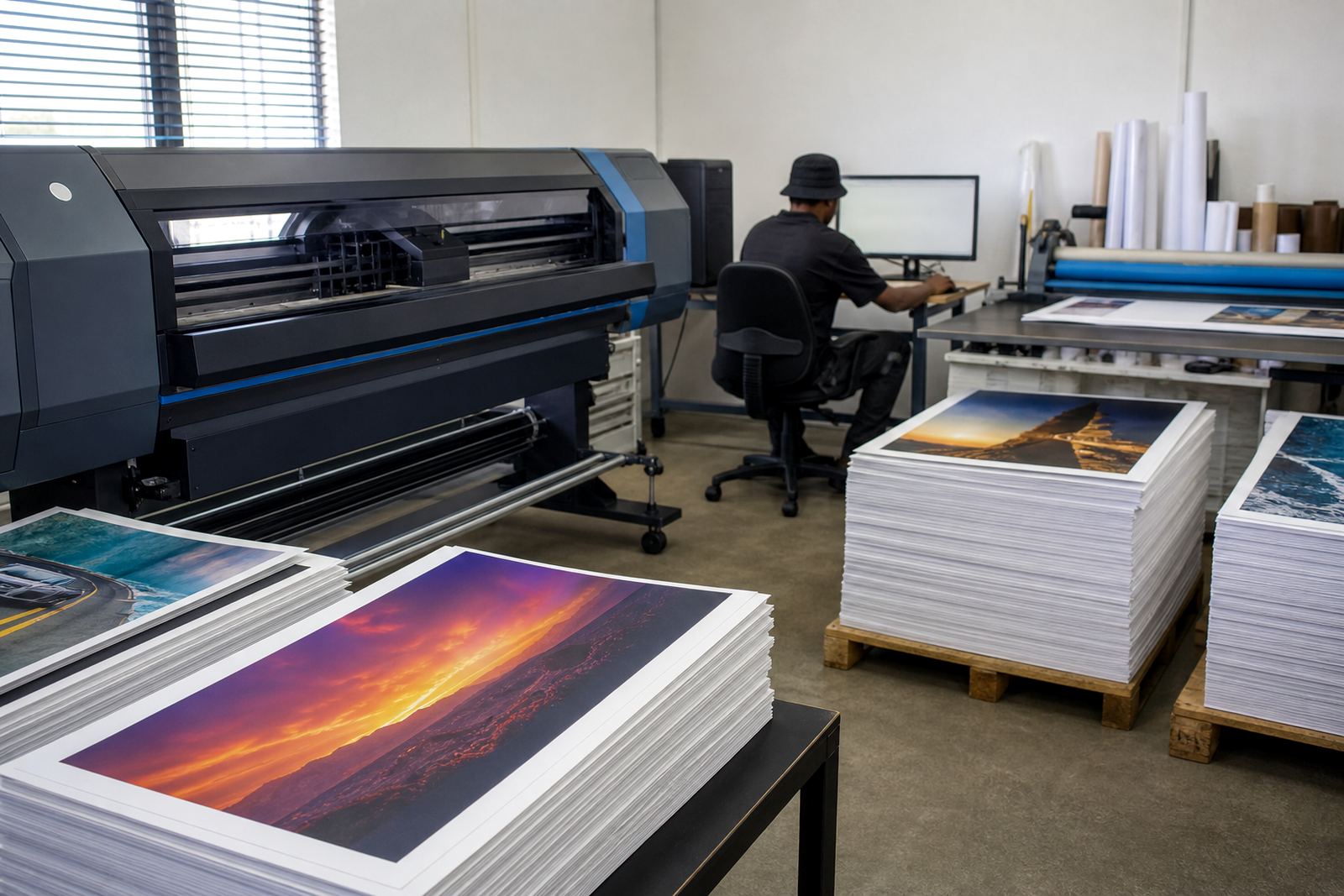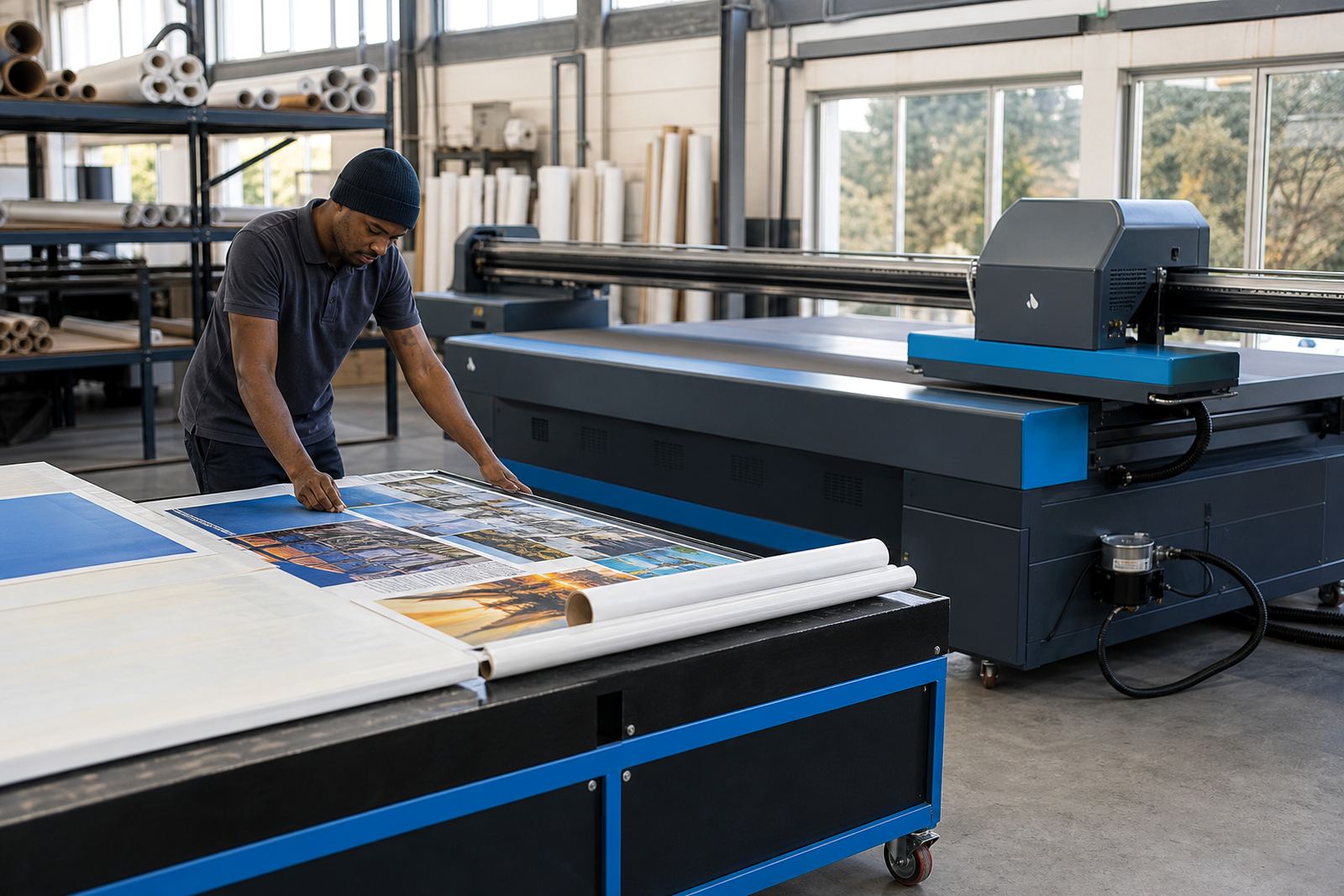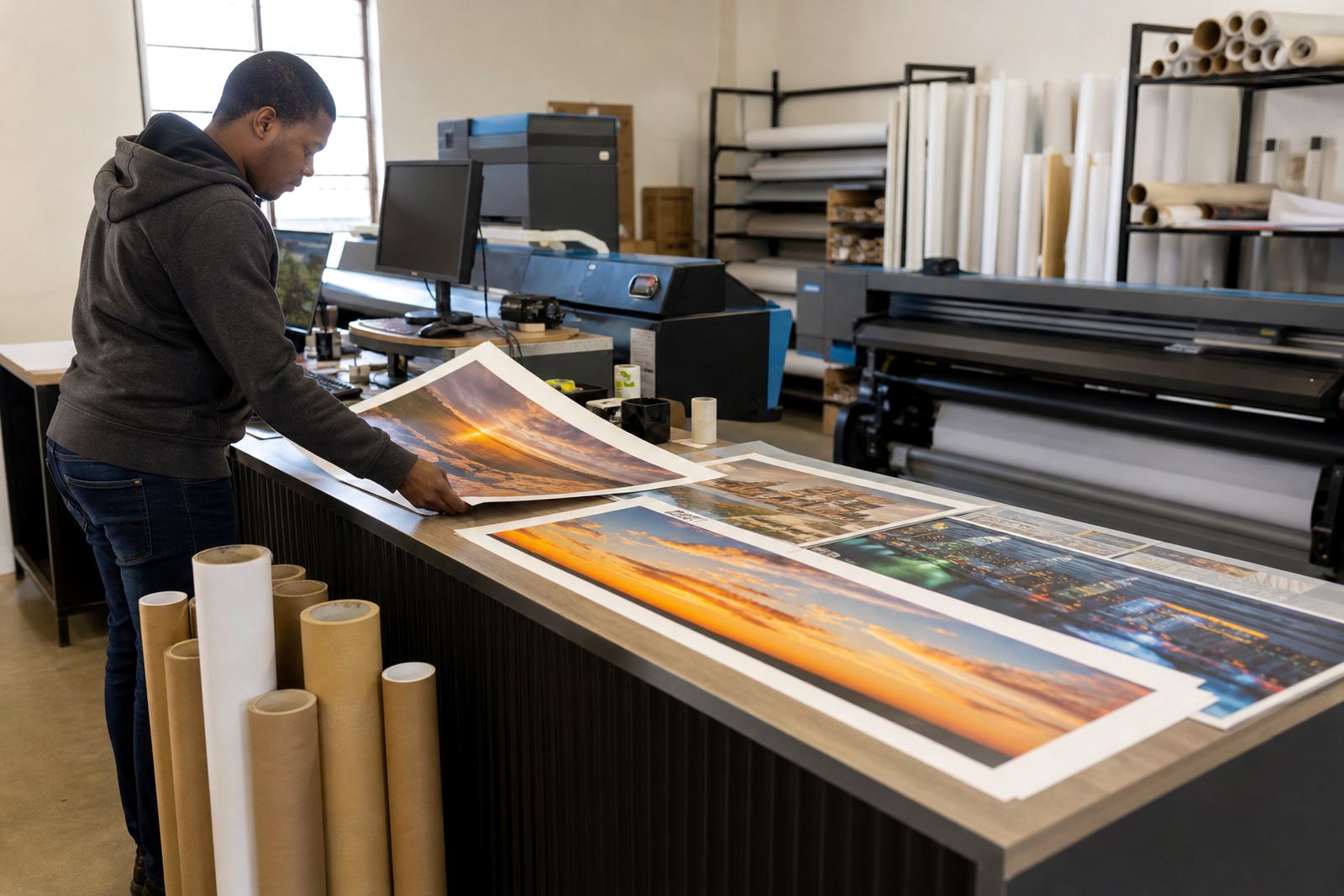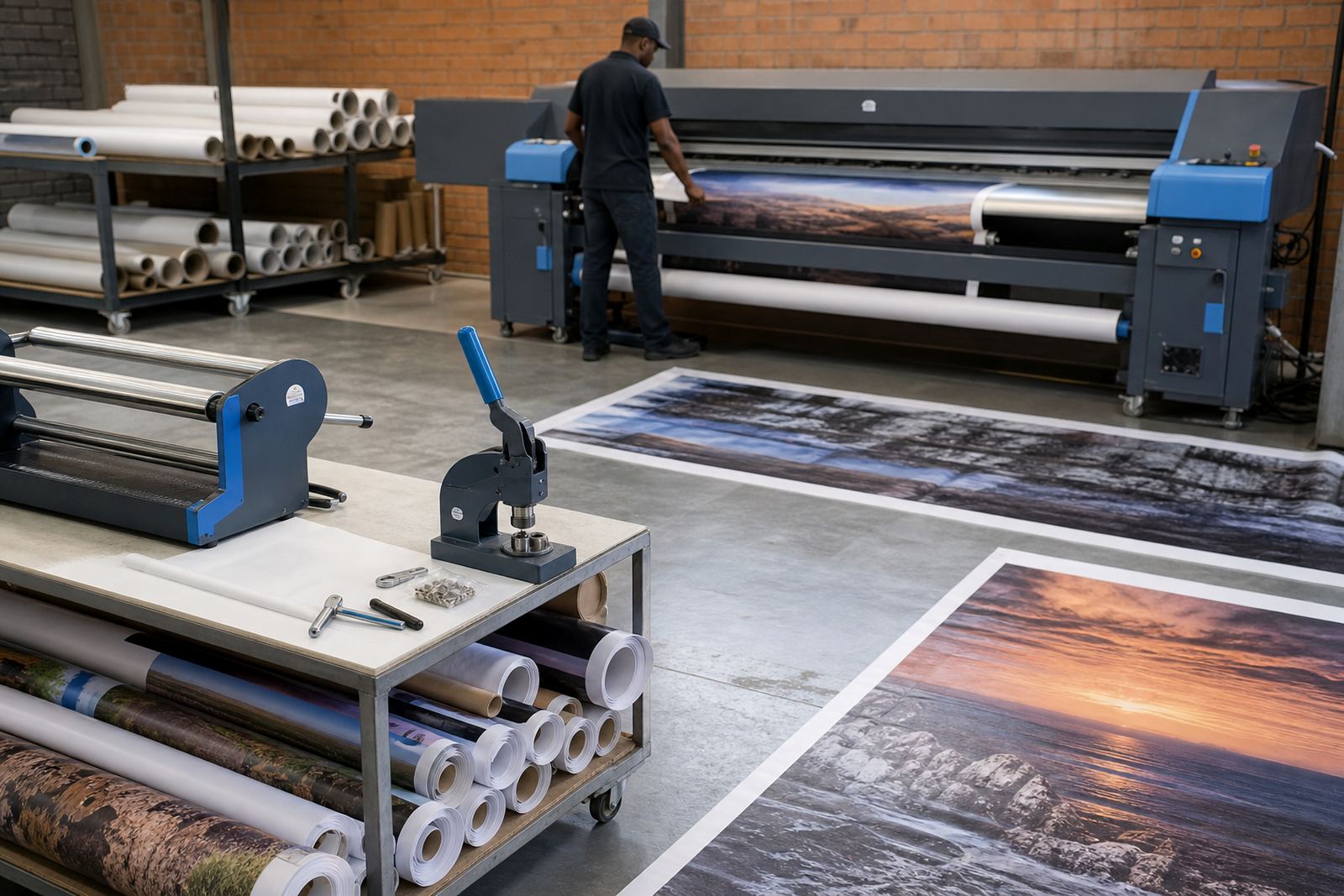
The brief from a busy banner floor in Soweto
The client was a banner producer working on short runs and long rolls for events, retail promotions and roadside branding. Their main pain point was not one dramatic fault, but a mix of small issues that stacked up through the day. Media tracking drifted on longer jobs, queue handling was messy, and the team kept rechecking files that should have held the same finish from job to job.
They needed a setup that could handle wide-format inkjet output with more control over feed, colour, and job order. The production team also wanted better maintenance discipline because the machine was losing time to avoidable cleaning, inspection and rework. The brief was straightforward: reduce waste, tighten repeatability, and make the operator screens easier to follow on a full shift.
- Client type: banner producer and print shop
- Location: Soweto, Gauteng
- Output type: long-run banners, signage and event graphics
- Main issues: feed drift, inconsistent colour, irregular maintenance scheduling
The system fit we put in place
We supplied the RIP software side together with board support for the printer control path, then set up the print workflow around the machine that was already on site. That included printhead driver setup, queue workflow design, colour profile setup and production tuning for the media sizes they were running. The aim was not to add layers of software, but to make the existing output behave in a more predictable way.
For the feed issue, we checked the control board communication, the print mode behaviour and the handling of longer jobs across multiple queues. On the colour side, we built profiles for the banner stock they use most often, then matched those profiles to the file prep routine so the artwork did not need constant correction at the press stage. The team could move between jobs with fewer manual changes and less second-guessing.
- RIP installation and remote setup
- Board installation support and fault finding
- Printhead driver setup and queue workflow design
- Colour profile setup for banner media
A three-week rollout across live production
The job ran over three weeks in phases so the production line could keep moving. Week one focused on remote setup, file flow review and a live check of the printer control board behaviour. Week two covered colour profiling, queue build-out and the first round of operator training. Week three was used for production tuning, maintenance scheduling and backup recovery planning so the team had a clear path if settings needed to be restored.
Because the shop was producing daily, we worked around shift patterns and used practical test files rather than large theory-heavy sessions. The operators wanted to know what to press, what to check and what to leave alone. That approach kept the training short and the changes easier to retain. One thing that stood out was how quickly a clean queue structure reduced the number of small interruptions during busy periods.
- Week 1: assessment, remote setup and board review
- Week 2: colour profiles, queue workflow and operator training
- Week 3: production tuning, maintenance plan and backup recovery
Feed control, maintenance and cleaner repeat jobs
The biggest change was in long-run feed control. Once the board settings, driver behaviour and media handling were aligned, the operator had fewer roll issues and less need to stop and recheck alignment. The machine handled repeat jobs with steadier registration, which helped on banner panels that need a clean finish across multiple metres.
Routine maintenance also became more structured. Instead of cleaning and checking only when a fault showed up, the team moved to a schedule that covered head checks, carriage inspection, media path cleaning and file backups. That mattered because a banner shop can lose time very quickly when a small issue is left to sit for a day or two. The floor team reported less waste from test prints and fewer reprints on the same artwork, which is where a lot of hidden cost tends to sit.
- More stable long-run feed control
- Cleaner colour on repeat banner work
- Less waste from avoidable test output
- Maintenance tasks set to a fixed routine
What the workshop team had in hand afterward
We left the team with a working print profile set, a queue checklist and a backup routine for the RIP environment. The operator guide covered daily checks, weekly cleaning, file naming for repeat work and the steps for loading common banner jobs. That is useful in a shop where more than one person touches the same printer during a normal week.
The support lead also documented the remote access flow so fault finding could start from the same information each time. For the board side, we noted the key settings that affect feed stability and driver behaviour, so the shop could keep a record if a part was changed later. In practical terms, the client ended up with a setup that was easier to run under pressure, not just on a quiet test day.
- Maintenance checklist for daily and weekly use
- Backup routine for RIP settings and profiles
- Operator notes for repeat banner jobs
- Board setting record for future fault finding
The same sort of setup we would use on a similar line
If another banner producer in Gauteng, Durban or Cape Town brought a similar job, we would keep the order of work much the same: check the control path, settle the RIP workflow, build the colour profiles around the media on hand and then set maintenance to fit the real production rhythm. That sequence keeps the job grounded in what the floor actually needs rather than adding tools that do not earn their place.
For busy wide-format shops, the details matter more than the sales pitch. A board that communicates properly, a RIP that handles queues cleanly, and a profile set that matches the banner stock can make a plain production day feel far less brittle. In Soweto, that meant fewer pauses, fewer questionable prints and a line that felt easier to manage from shift to shift.
- Control board and RIP setup first
- Colour and queue work matched to live stock
- Maintenance planning built around real production load
Key facts
| Project type | Wide-format inkjet RIP and control board workflow |
|---|---|
| Client location | Soweto, Gauteng |
| Timeline | 3 weeks |
| Supplied services | RIP Installation, Board Installation, Remote Setup, Colour Profile Setup, Queue Workflow Design, Fault Finding, Preventive Maintenance, Operator Training, Production Tuning, Backup and Recovery |
| Production focus | Long-run banners, signage and repeat artwork |
| Support coverage | Midrand base with remote support across South Africa |