A wrap team in Randburg with repeat work on the books
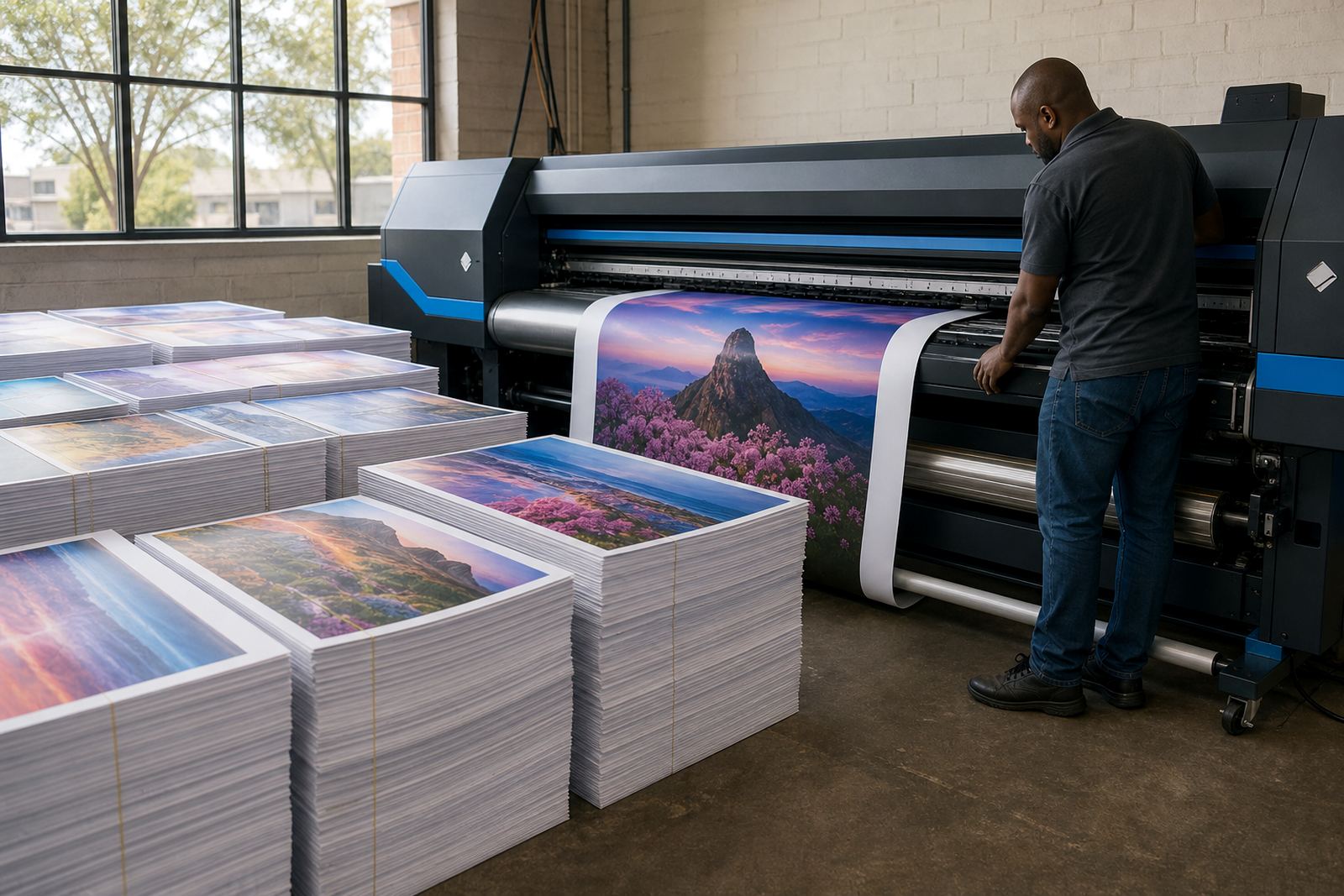
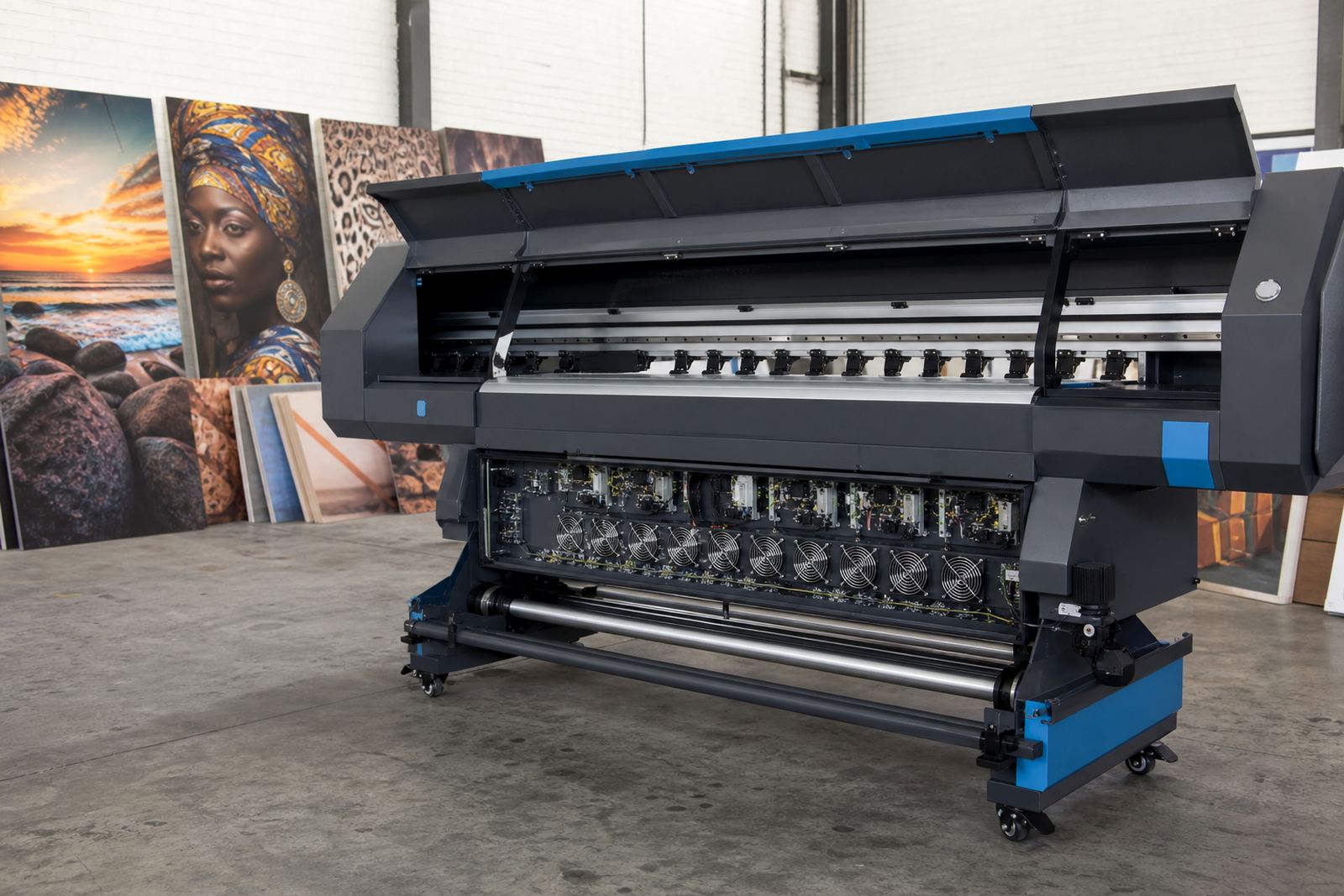
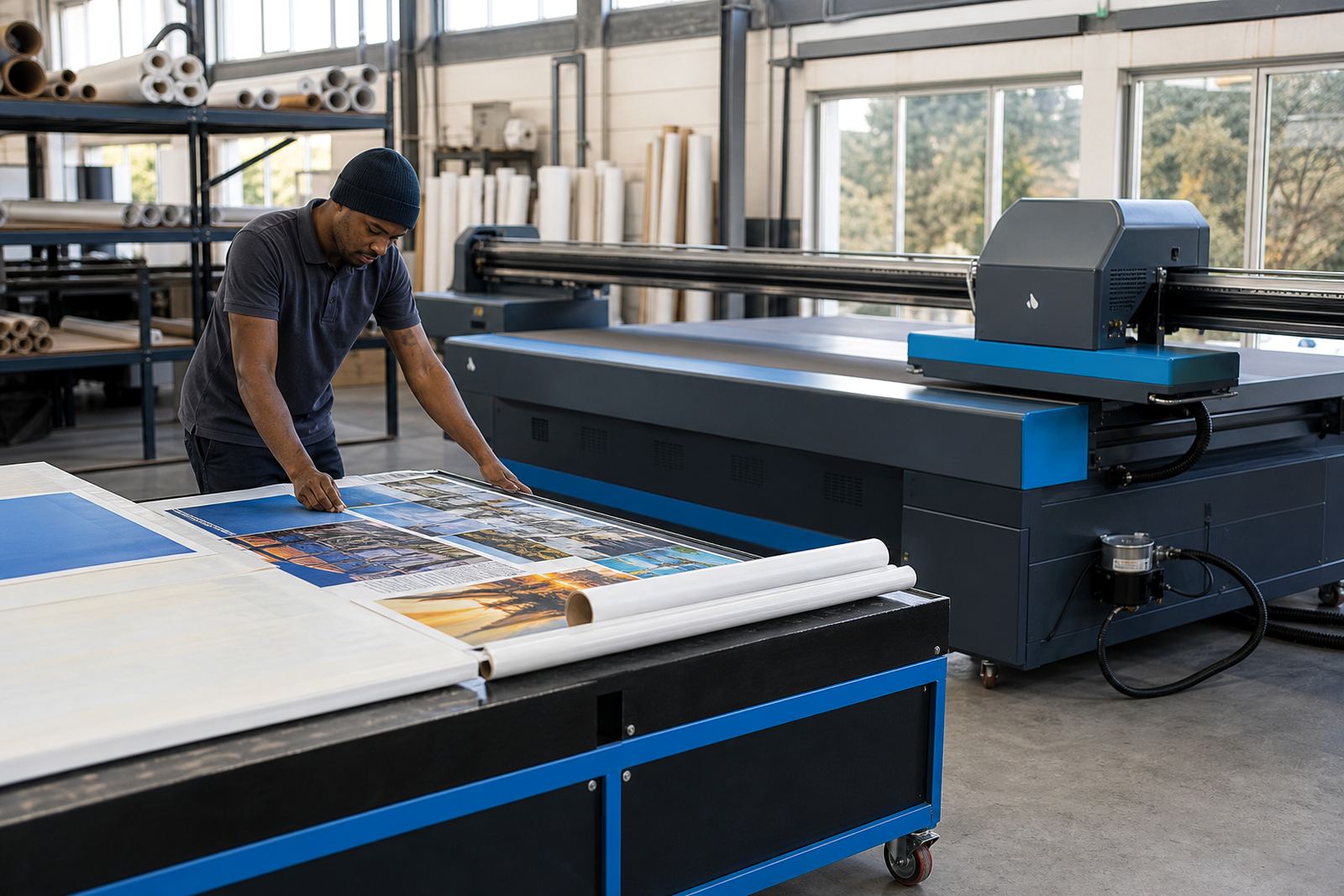
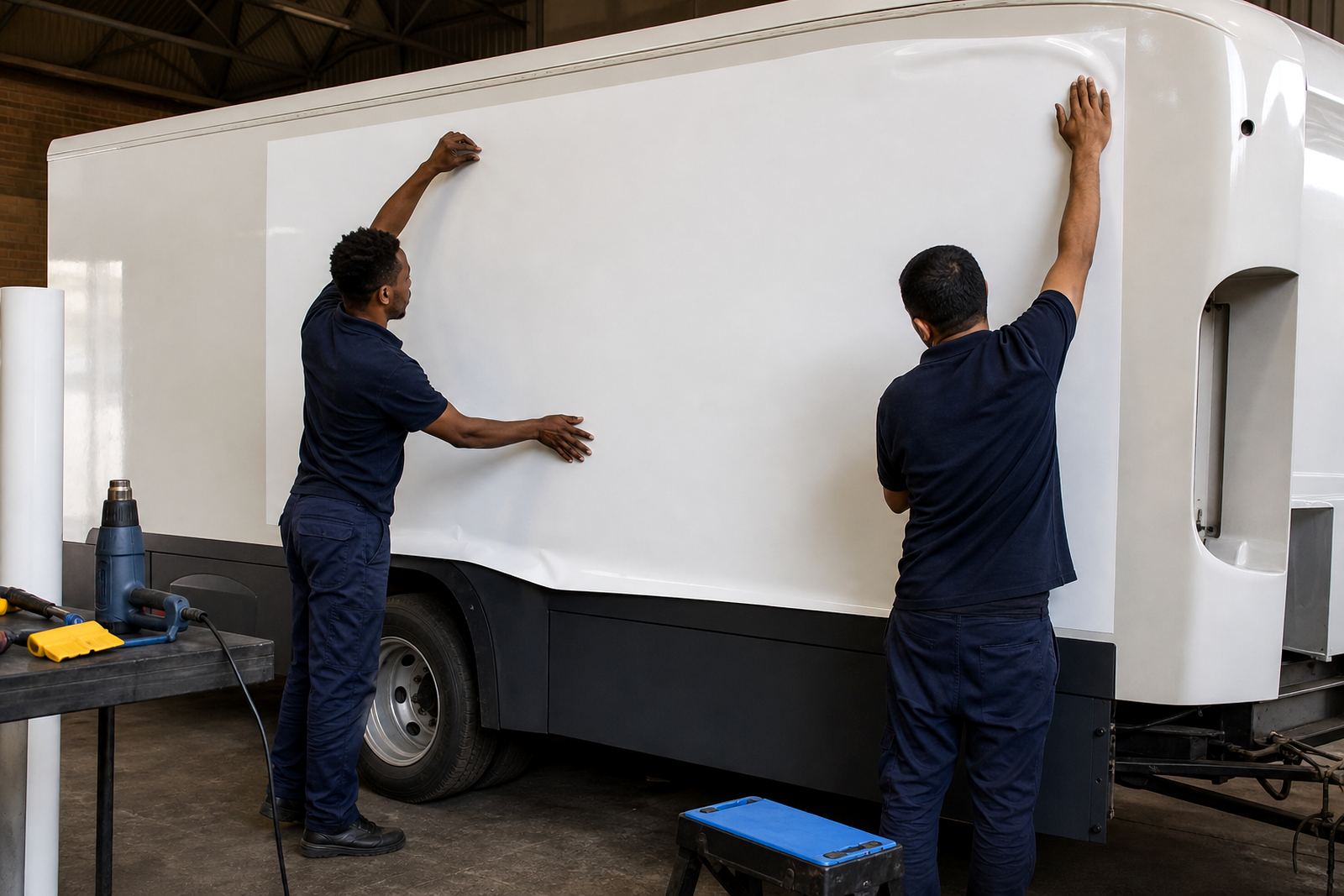
The client was a vehicle graphics workshop in Randburg handling full wraps, partial wraps, cut graphics and fleet marking for local businesses. Their production room had a mix of wide-format inkjet printers used for vinyl, laminate and banner work, and the day to day issue was not the artwork, it was getting that artwork to hold together on press.
They needed a RIP setup that could deal with busy queues, keep colour close from job to job, and organise panels for long vehicle sides without wasting media. The work also had to suit a team that runs multiple production stages at the same time, so the operator had to see file names clearly, load jobs in the right order and keep track of media widths without second guessing the layout.
The brief came down to three things: cleaner nesting, repeatable colour handling, and a simpler path from artwork to output. The shop had already built a strong wrap fitting process, but the print side was costing time because each operator was making small adjustments by hand. That kind of variation shows up fast on a bonnet print or on the long side panel of a panel van.
The production constraints we worked around
The main constraint was consistency across reprints. The team needed the same colour behaviour on a Tuesday as on a Friday, even when jobs were split across several printers and media types. They also had jobs with long repeats, mirrored panels, tiled sections and fine edge details, so the RIP had to manage scaling, overlap and panel order without adding confusion.
There was also the practical issue of media use. Vehicle graphics jobs often include odd shapes and long strips, so poor nesting can waste metres of vinyl very quickly. The shop wanted a better way to place multiple jobs on a roll, especially when running smaller decals between larger wrap panels. We also kept the setup practical for the office and print floor, with clear naming rules and a queue structure that made sense for daily production.
- Wide-format inkjet output for wrap panels, decals and supporting print work
- Repeatable colour control for reprints and fleet sets
- Nesting rules that reduce offcuts on roll media
- Queue order that suits mixed jobs and staggered release
- Clear operator settings for different media widths and panel sizes
What InkFlow RIP supplied and tuned
We supplied RIP software setup, printhead driver setup, colour profile setup and queue workflow design for the shop's main production line. The focus was on making the RIP easier to use while still giving the operator control over panel placement, scaling and colour correction. On a wrap job, the smallest drift in a profile or driver setting can show up as a visible shift across a full side panel, so the configuration had to be measured and repeatable.
Colour profiles were matched to the shop's common materials and inks, with adjustments made for solid fills, skin tones, dark panels and branded colours that need steady output. We also set up a nesting structure that placed smaller jobs into spare spaces on the roll, which helped the team use media more carefully and cut down on unnecessary waste. For long vehicle panels, the queue was arranged so the production team could run test strips, confirm alignment and send the final panel set through in the correct sequence.
Fault finding was part of the job as well. A few of the print issues were traced back to driver settings, file handling and queue order rather than hardware failure. Once those were corrected, the printers behaved more predictably and the operators had fewer interruptions while running production.
- RIP installation and workstation setup
- Printhead driver setup for the shop's inkjet printers
- Colour profile setup for common wrap media
- Queue workflow design for multi-stage production
- Fault finding on panel order, scaling and output behaviour
The setup timeline across three weeks
Week one covered remote review of the existing production flow, including how artwork was being prepared, named and released into print. We mapped the main job types, from full side wraps to smaller supporting graphics, and then set the RIP structure around those patterns. Week two was spent on the core configuration, with profile work, queue rules and printhead driver tuning. Week three focused on operator training, test runs and small production adjustments after live jobs were printed.
The handover was practical. Instead of leaving the team with a long list of settings to interpret later, we kept the workflow tied to the jobs they run most often. That included a clear order for loading panels, checking media size, confirming nesting and separating proof work from final production. The result was a production room that could move from prep to print with less back and forth between staff.
- Week 1: workflow review and job mapping
- Week 2: RIP, profile and driver configuration
- Week 3: training, test prints and production fine tuning
What changed on the print floor
After the setup, the shop had a steadier path for repeatable colour and panel layout. The operators could release jobs with fewer manual corrections and had better control over long panels that needed matching across multiple print runs. Media use improved because nesting was planned inside the RIP instead of being handled ad hoc at the machine.
The client also had a cleaner way to back up settings and recover the workflow if a workstation needed attention. That matters in a busy wrap shop where several jobs may be moving at once and a lost queue can delay fitting. The production team reported less time spent checking basic layout issues, which freed them up to focus on finishing and installation. It also made the print side easier to hand over between staff shifts, no confusion on the main print jobs.
For a Randburg vehicle graphics operation, those changes have a direct effect on the working day. Better panel control means fewer reprints, more predictable output and less waste on expensive roll stock. The printroom did not need a complicated system, just one that held up under real jobs and gave the operators a clear path from file to finished panel.
What to repeat on a similar wrap job
On another vehicle graphics project, we would use the same approach: map the common job types first, build the RIP around actual production habits, then tune profiles and queue rules for the media that gets used most. That order keeps the setup grounded in daily work rather than in theory. It also leaves room for the production team to grow without changing the whole process each time a new printer or material is added.
For shops handling wraps, decals and fleet graphics, the useful work is in the details. Clear driver settings, careful colour profiles, sensible nesting and a simple queue structure can save a lot of frustration once production starts. That is especially useful when a shop is balancing short runs, larger vehicle panels and the occasional reprint needed for an urgent fitting.
InkFlow RIP supports print shops across South Africa from Midrand, with remote setup and support for Johannesburg, Pretoria, Durban, Cape Town, Bloemfontein and surrounding areas. Clients reach us through the enquiry form on our contact page when they need RIP installation, board installation, colour profile setup, preventive maintenance or training for wide-format inkjet production.
Key facts
| Client type | Vehicle graphics workshop |
|---|---|
| Town | Randburg, Gauteng |
| Project duration | 3 weeks |
| Core work | RIP optimisation, panel layout, colour handling |
| Key tools | RIP software, printhead drivers, colour profiles, queue workflow |
| Output focus | Repeatable wrap panels, better nesting, steadier reprints |