A Kempton Park brief with mixed glass work and tight colour demands
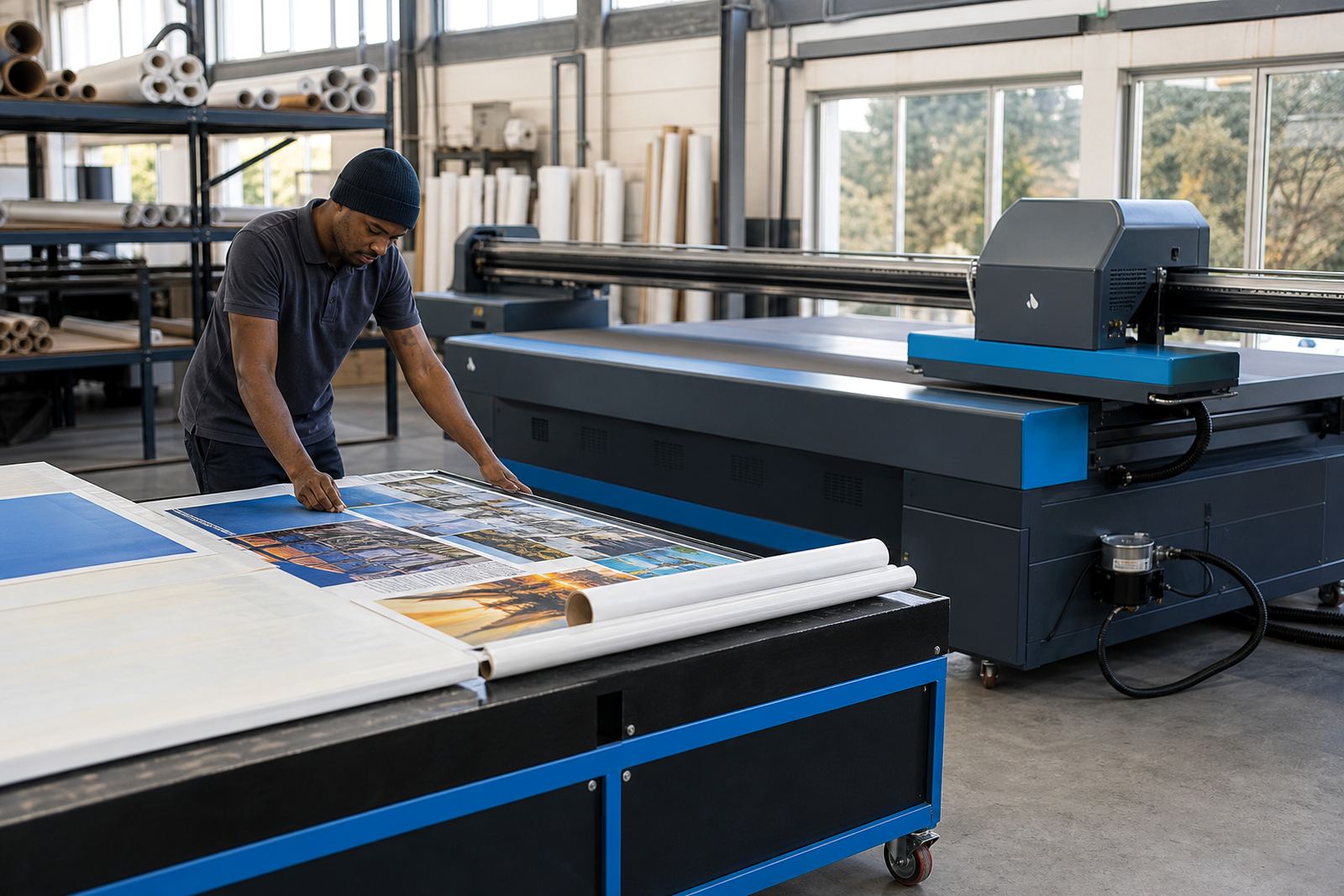
The client was a window graphics supplier working from Kempton Park, Gauteng, with jobs that moved between retail glass, office privacy films and short-run promotional pieces. Their print room handled transparent media most days, then switched to layered jobs that needed a white channel underneath or behind the colour pass. The brief was plain enough: get the white layer to hold its shape, keep the colour consistent on clear film, and reduce the stop-start work that was wasting material.
The team had already done the printing side well, but the RIP settings were leaving small gaps in white fill and a few soft edges on transparent stock. On some jobs the blacks looked heavy, while lighter brand colours shifted once the film sat against glass in daylight. That meant the operator was making manual changes job by job, and the queue was not giving the same result twice.
- Site type: window graphics supplier and small-format production team
- Town: Kempton Park, Gauteng
- Main material: transparent self-adhesive media and clear film
- Core issue: white-layer control and colour repeatability
The print room limits we worked within
The room had the usual constraints that show up in busy print shops. Jobs were being pushed through in short runs, so a setting that worked on one order needed to hold on the next order without extra manual correction. Some graphics were for indoor glass in air-conditioned spaces, while others were for shopfront use where sunlight and coastal humidity were not the issue, but daytime glare and viewing angle were. The white ink needed clean trapping, not puddling, and the transparent media profile had to respect dry time and edge sharpness.
There was also a practical issue with operator handover. More than one person touched the queue, so the workflow needed fewer judgement calls and clearer defaults. That is where the board setup and RIP layer handling mattered most. We kept the changes inside what the existing printer could handle, rather than forcing the team into an awkward print method that would only work on one type of job.
- Constraint: short production runs with frequent file changes
- Constraint: transparent film that showed every colour shift
- Constraint: multiple operators using the same queue
- Constraint: white ink needed better edge control and fill behaviour
What we supplied and tuned
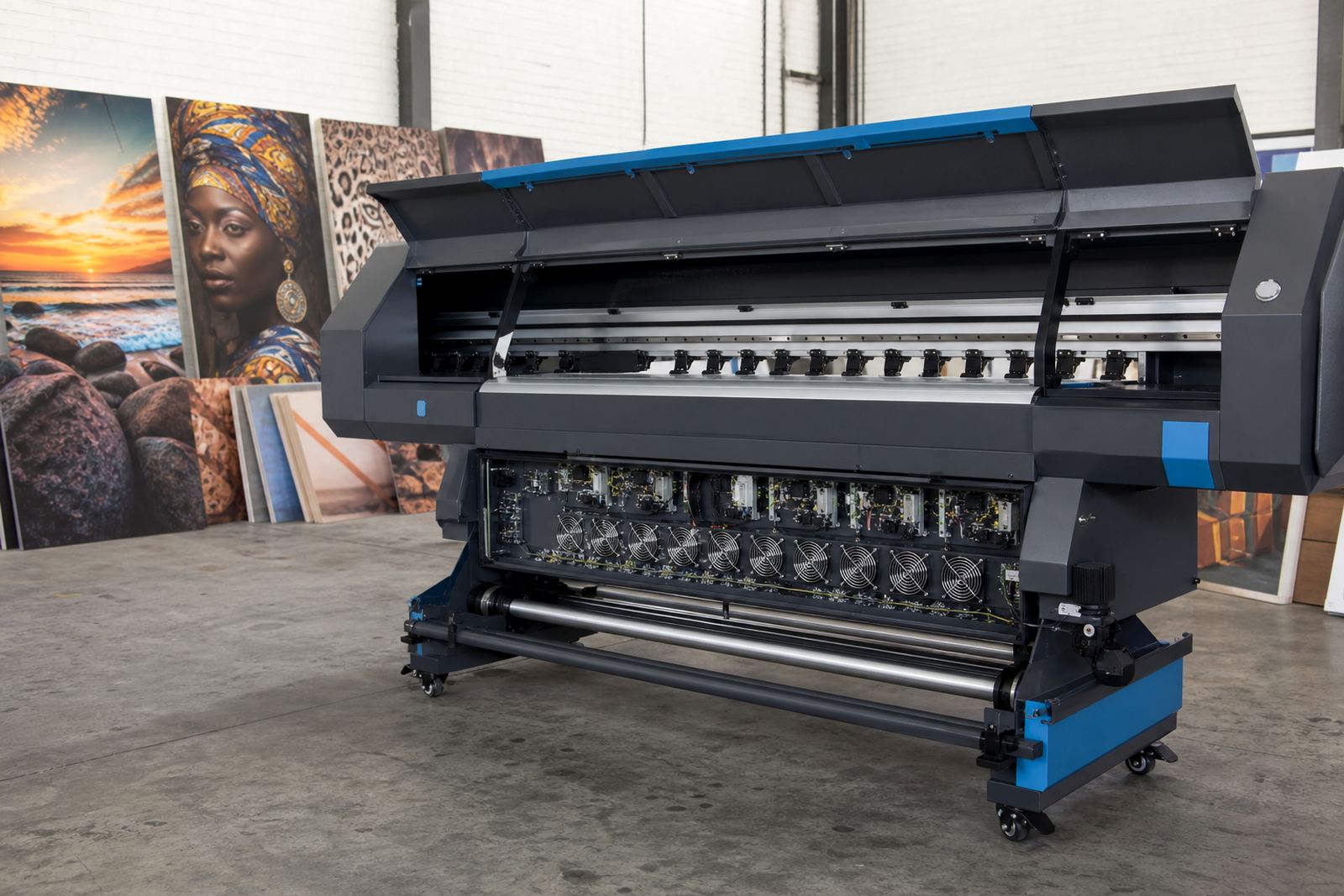
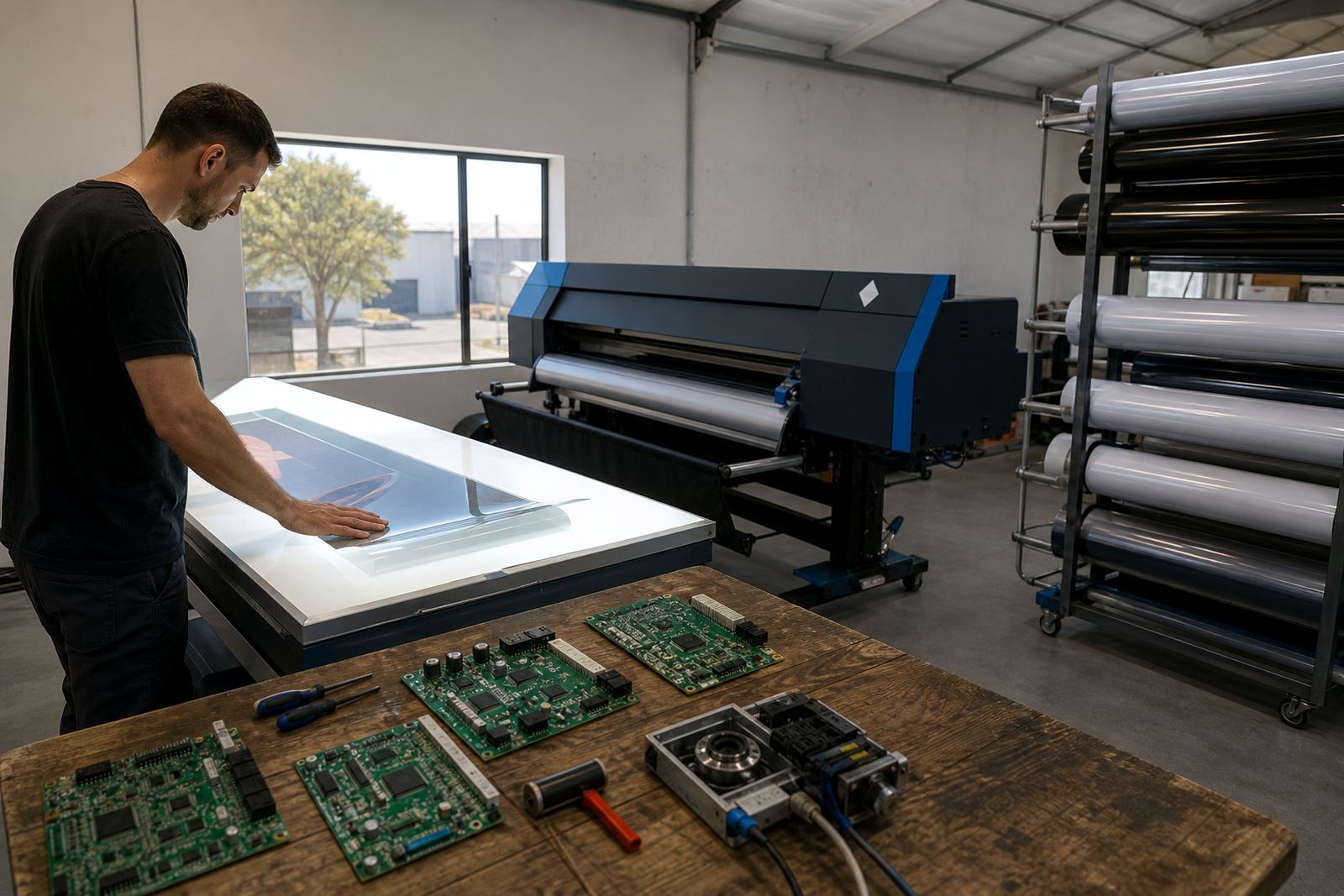
We supplied and set up the RIP software parameters needed for layered window work, then aligned the control board settings to the printer’s actual production pattern. The white channel was tested with different underfill and choke values until the edges held properly without biting too far into the colour layer. For transparent media, we created a profile that matched the ink laydown, drying behaviour and viewing conditions more closely than the previous general setting.
We also worked on queue workflow design so the operator could move from one film type to another with fewer manual changes. That included named presets for clear film, white-backed decals and layered graphics. Printhead driver setup was checked alongside nozzle pattern behaviour, because a good file profile can still fail if the driver timing is off.
- RIP installation and queue layout setup
- White-layer preparation for transparent and reverse-glass work
- Colour profile setup for clear film and layered output
- Printhead driver setup and board alignment checks
- Fault finding on file handling and layer order
Two weeks of testing, then a steadier production run
The work ran over two weeks. The first stage was file review, board checks and test swatches on the main transparent stock. The second stage was profile refinement, where we changed the white density steps, adjusted nesting behaviour and checked how the artwork sat on narrow and wide formats. By the end of the second week, the operator had a repeatable set of presets for the most common jobs, and the handover notes were simplified enough for daily use.
What changed most clearly was the amount of correction needed after the first test print. White no longer had to be massaged on each order, and transparent media stopped producing as many washed areas around fine lettering. The production team could also pack more work into a sheet with better nesting, which mattered on smaller runs where waste adds up fast.
- Timeline: 2 weeks from review to final tuning
- Output area: layered window graphics and clear film signage
- Queue change: fewer manual overrides during repeat jobs
- Production gain: tighter nesting on mixed-size artwork
Results on glass, film and repeat work
The finished setup gave the supplier more control over how graphics looked once applied to glass. Fine text stayed cleaner, white backing sat where it should, and transparent film no longer needed the same level of guesswork before each run. The colour profile held up better under office lighting and daylight, which reduced the number of off-spec reprints caused by slight shifts in the first pass.
From a RIP workflow point of view, the biggest gain was steadier output. Once the presets were stored, the team could handle quick runs and larger batches on the same base settings. Queue checks also became easier because the workflow now flagged when a head pattern or feed issue was likely to affect the next job, instead of letting the fault spread through a full run. That saved material and kept the print room moving without extra handling.
What to repeat on a similar window graphics job
On a similar job, we would start with the white layer before touching colour, because transparent media exposes small faults very quickly. We would also keep the queue presets close to the real job mix, not the ideal one on paper, so the operator is working with settings that fit the day’s production. A clear test path for reverse-glass work helps too, especially where the final viewed surface is not the printed side.
For suppliers handling window graphics in Gauteng or further afield, the useful part is not just the print file. It is the board setup, the driver timing, the profile, and the way the queue is organised when the phones start ringing and the orders shift. That mix is what keeps clear film and layered output predictable, even when the work changes from one client to the next.
- Start with white layer tests before final colour profiling
- Save presets for the main media types used every week
- Check layering on both normal viewing and reverse-glass use
- Keep maintenance notes tied to the actual queue workflow
Support for similar print rooms across South Africa
InkFlow RIP works with print shops that need printer control boards, RIP software, printhead driver setup and practical production support for wide-format inkjet machines. The Kempton Park project is a good fit for the kind of work we handle from Midrand, whether the job is for Johannesburg, Pretoria, Durban, Cape Town, Bloemfontein or the East and West Rand. The focus stays on usable settings, clear colour control and a print room that can handle real orders without unnecessary fuss.
For the Kempton Window Prints job, the key was not a flashy change. It was a careful reset of the white channel, a better transparent media profile, and a queue structure the team could use every day without second-guessing each run.
Key facts
| Project | Kempton Window Prints |
|---|---|
| Town | Kempton Park, Gauteng |
| Media | Transparent film and layered window graphics stock |
| Scope | RIP setup, board alignment, white-layer tuning, colour profile setup |
| Timeline | 2 weeks |
| Outcome | Cleaner white backing, steadier colour on glass, less manual correction |