Retail windows that had to hold colour in Durban light
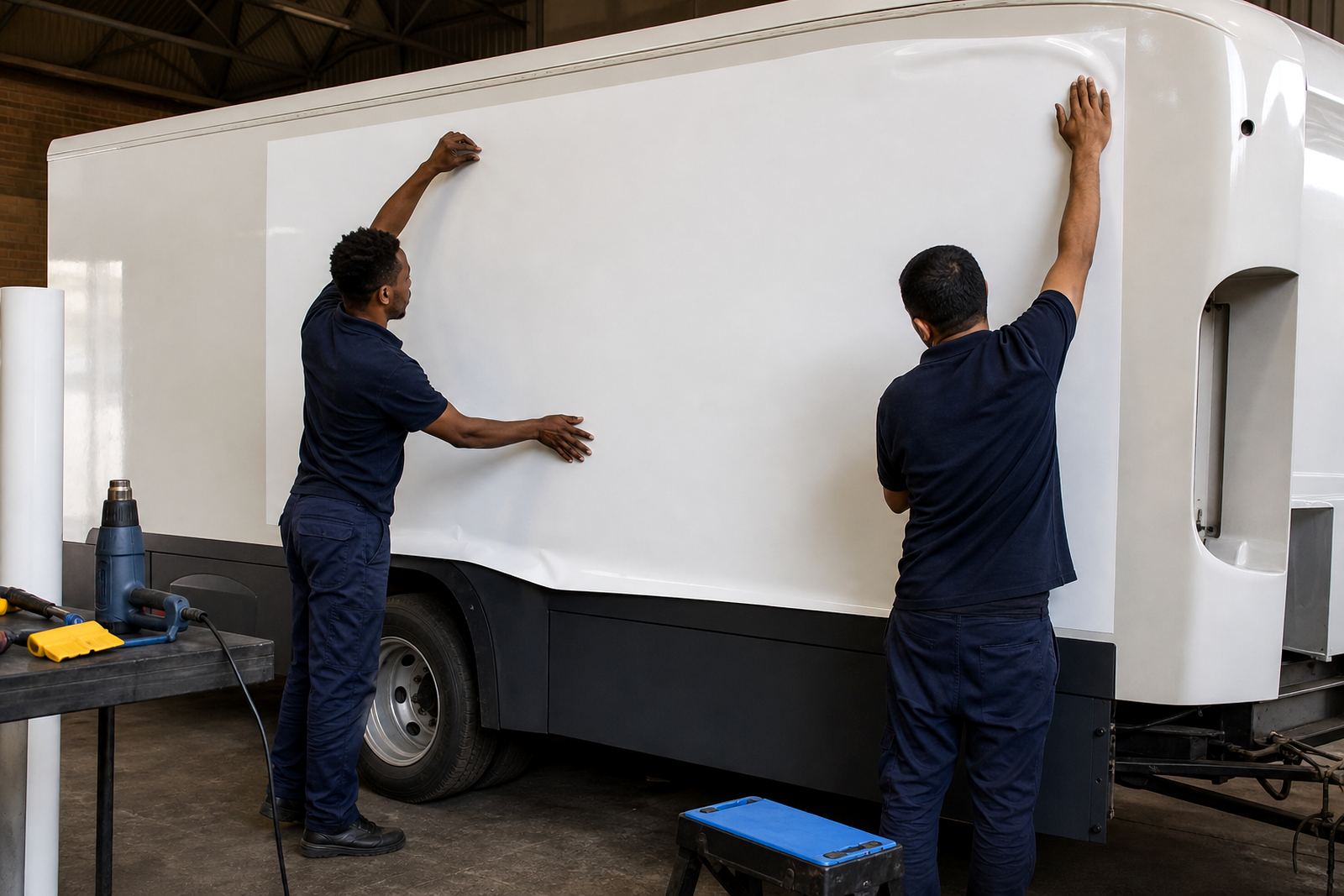
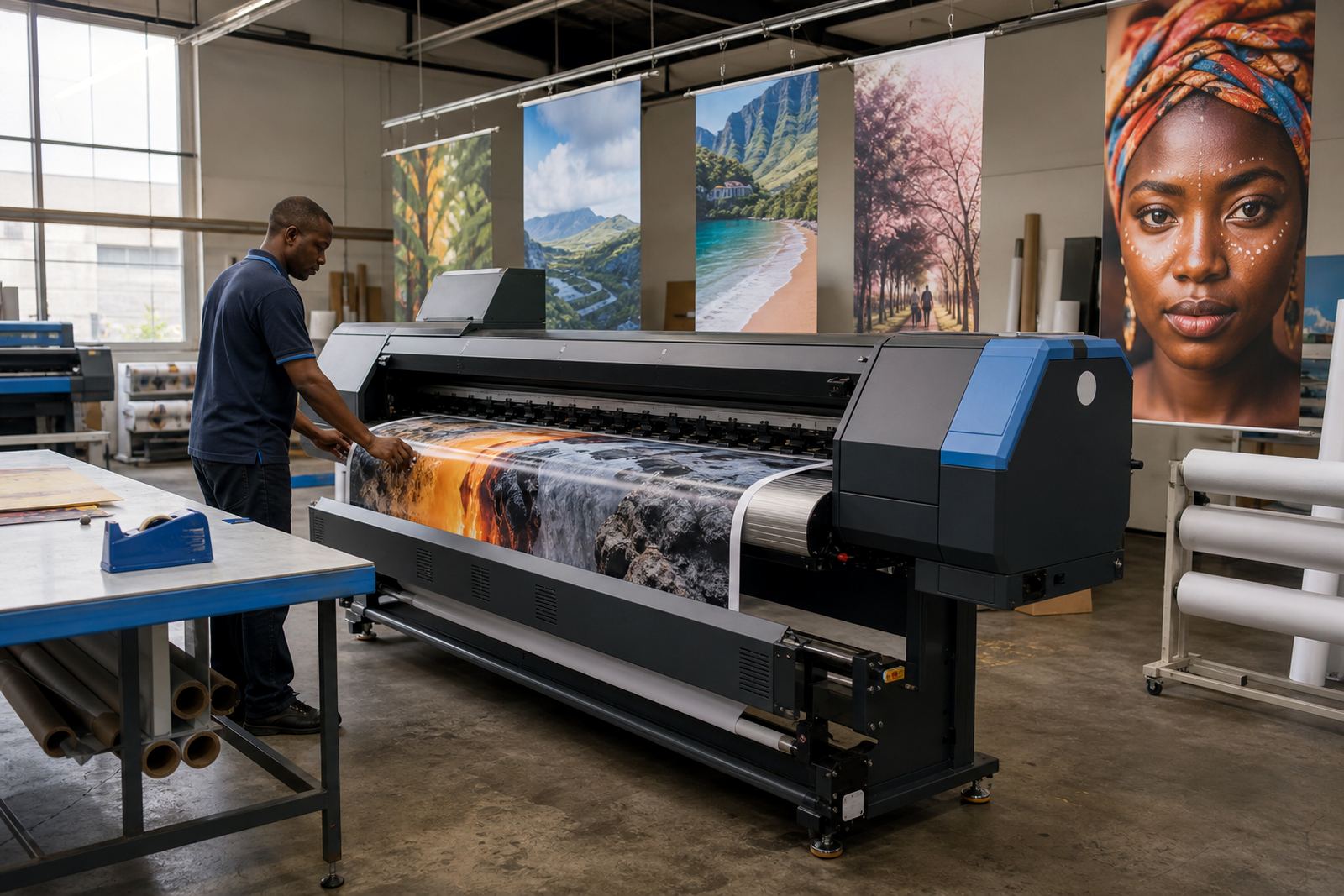
The brief came from a retail graphics supplier serving a busy mall in Durban, where window work faces strong daylight, reflected glare and the usual coastal humidity that can shift media behaviour during a long print run. Their in-house team was producing seasonal graphics, sale panels and fitted window visuals on a wide-format inkjet setup, but the colour trail from design file to final print needed more control.
They wanted cleaner output across repeat jobs, steadier ink use and a workflow that would not slow the floor when new artwork landed late in the week. The job also had to suit mixed materials, from self-adhesive vinyl to coated display stock, with different drying behaviour and finishing windows between jobs.
- Client type: retail graphics supplier
- Town: Durban
- Application: seasonal displays, window visuals, point-of-sale graphics
- Environment: indoor retail production with coastal humidity in the mix
- Print setup: wide-format inkjet production line
The brief, with space limits and colour drift
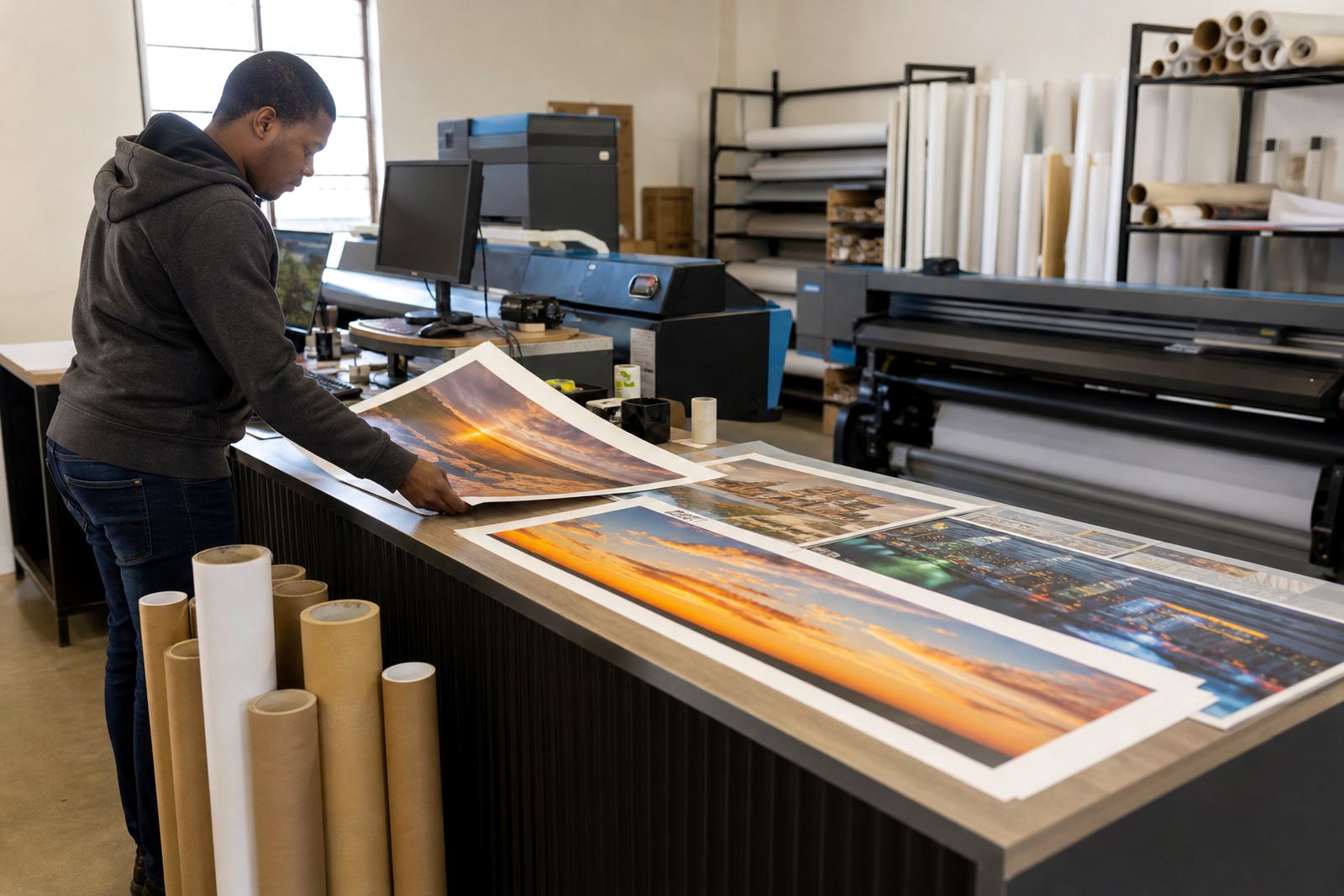
The team asked for a tighter RIP setup and a practical colour workflow that could be followed by operators across shifts. Their existing queues were functional, but profiling was uneven across media types and some prints were drifting from design proofs, especially on lighter brand colours and skin tones used in campaign artwork.
There were also space and scheduling limits. The print room needed to keep jobs moving while the boards, drivers and profiles were adjusted, so the work had to be staged in a way that did not interrupt active production for long stretches. We mapped the workflow from file intake to output, then focused on the places where print quality was being lost.
- Inconsistent colour on repeat campaign jobs
- Queues not set for different media families
- Operator handover between shifts was uneven
- Profile use was not documented clearly
Boards, drivers and RIP setup on the production line
We supplied and configured printer control boards where required, then set up the RIP software with printhead driver settings matched to the machine profile. The aim was to keep board communication steady, remove unnecessary guesswork from the output path and give the operators a cleaner place to work from for each job class.
For the printroom, we divided the setup into practical pieces. Media profiles were arranged by substrate type, queue names were cleaned up, and maintenance checks were added into the daily routine so nozzle checks and head conditions were not left to chance. The colour workflow specialist handled profile structure, while the board repair technician checked signal behaviour and basic fault points before production resumed.
- RIP installation and board configuration
- Printhead driver setup for the installed hardware
- Colour profile setup for key media types
- Queue workflow design for faster operator handover
- Fault finding on board and signal issues
Remote support across a busy retail schedule
The job was completed in two weeks, split between remote setup sessions and on-site coordination with the client team. Remote access let us move through profile work, queue changes and driver settings without pulling the whole production line off duty, while the local team kept output moving on the jobs that were already live.
Because the supplier worked across seasonal campaigns, the print plan changed often. We therefore built the setup around repeatable tasks, so a new artwork pack could be sent through with less rework. The operations manager kept the schedule aligned, the remote support lead handled live guidance, and the training coordinator walked the operators through the new queue order and maintenance steps.
- Week 1: assessment, board checks and RIP structure
- Week 1 to 2: media profiling and queue setup
- Week 2: operator training and production tuning
- Week 2: backup and recovery steps captured for the team
The changes seen on seasonal and window work
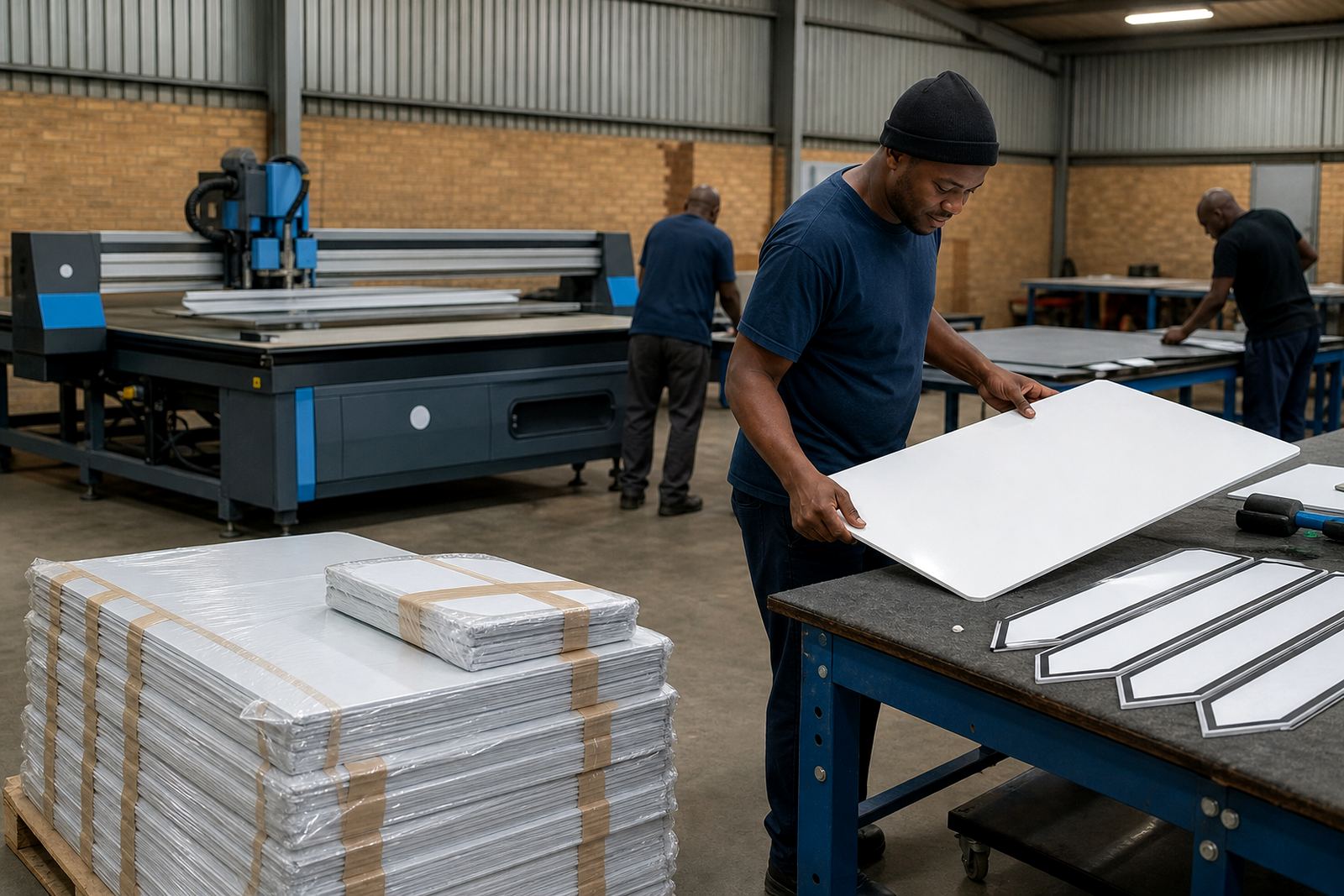
Once the setup was in place, the client had a steadier path from file to print. Colour matching became more predictable across repeats, especially on large window graphics where small shifts are easy to spot from the mall floor. The team also had better control over nesting, so sheet usage improved and the floor waste dropped where jobs were being arranged tightly on wider media.
The most useful gain was consistency. Operators could move between campaign work and smaller rush items without rebuilding the whole print setup each time, and maintenance checks were part of the normal process rather than a separate reminder. That mattered in a retail environment where graphics change often and the next delivery slot is usually already spoken for.
- Cleaner colour matching across repeat prints
- Better nesting on wide media layouts
- Less rework on window visuals and seasonal boards
- More orderly handover between operators
What we would set up the same way
On a similar job, we would keep the work split between profiling, board checks and operator training, because retail graphics rely on all three working together. A good RIP setting helps, but the real difference comes when the queue names, profile choices and maintenance steps are easy for the team to follow under pressure.
We would also keep the backup path simple and documented. In a printroom that handles changing retail artwork, a clean recovery process matters when a queue is altered or a media profile needs replacing. The goal is not more settings for the sake of it, but a setup that stays useful when the next window campaign lands and the print floor is already busy.
- Keep queue names tied to actual media use
- Record the profile set for each stock type
- Build backup steps into the operator routine
- Check board signals before production starts up again
Key facts
| Project | Durban Mall Graphics |
|---|---|
| Client type | Retail graphics supplier |
| Town | Durban, KwaZulu-Natal |
| Timeline | 2 weeks |
| Core work | RIP installation, board installation, colour profiles, queue workflow design |
| Support model | Remote setup and support from Midrand, Gauteng |